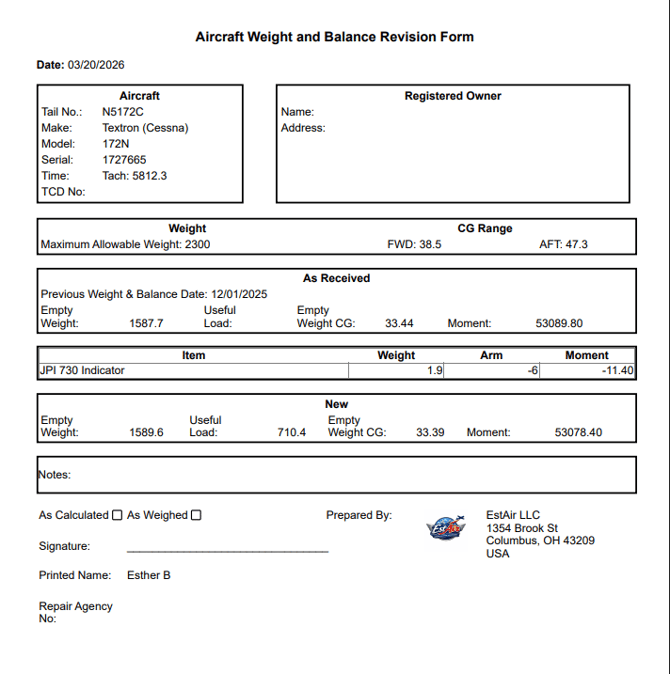
There may be situations where users need to update existing W&B forms that were not created within TBX. The process is similar to updating an existing "Weigh with CG" W&B form.
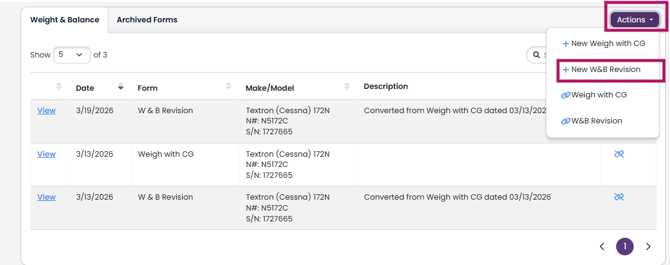
1. To create a revised W&B form within TBX, navigate to the Aircraft Profile and scroll down to the W&B Section, click the "Actions" button, then the "+ New W&B Revision" option:
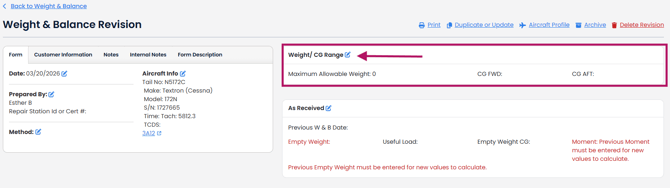
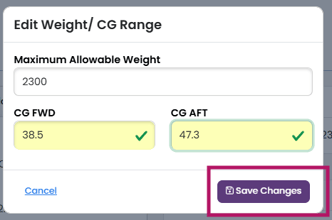
2. This opens up the W&B Revision editor. First fill out the Weight/CG Range box per the TCDS and click "Save Changes".
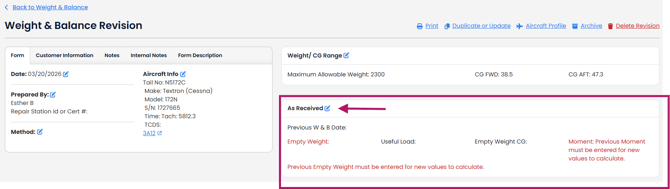
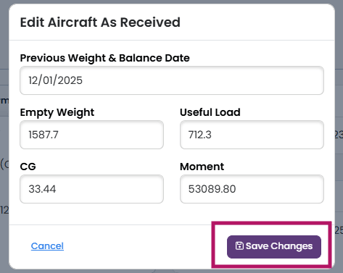
3. Next, fill out the "As Received" W&B information from your existing Weight and Balance form. Please note that the Useful Load must equal the Maximum Allowable Weight - the Empty Weight. If not, you will see an error message and you will need to edit the numbers.
 .
.
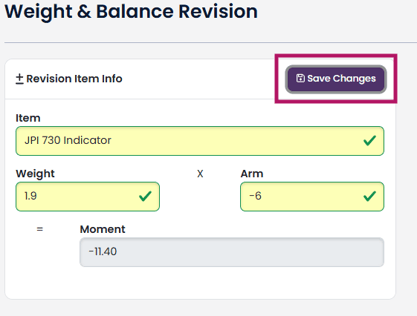
4. Next, you can add any revisions (installed or uninstalled equipment, or both) and click "Save Changes".
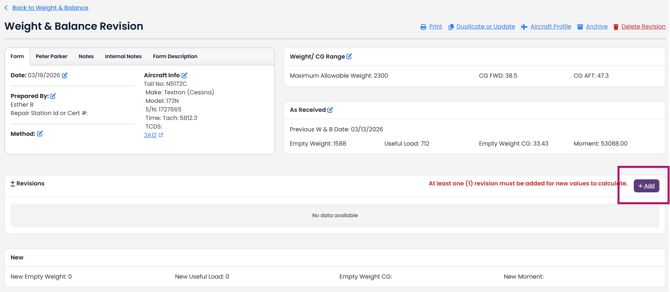
The New values for Useful load, CG and Moments will now be displayed at the bottom of the screen.
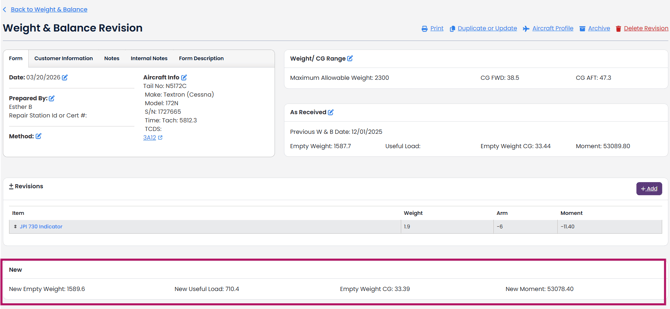
To print the updated W&B form, click on the Print Icon at the top of the page.