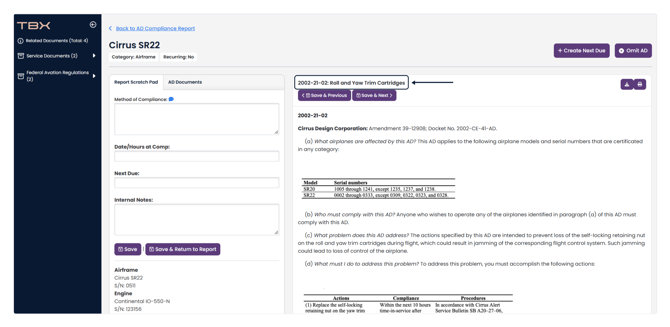
Note: Make sure that you have created an AD Compliance Report from an Aircraft Profile to ensure your TBX AD Report shows in the aircraft's Overview page.
Your TBX AD Report is compared against previously uploaded records to LogIQ. If any are not found in LogIQ, it will create a list of those that aren't cited. These are organized by component (Airframe, Engine, Propeller).
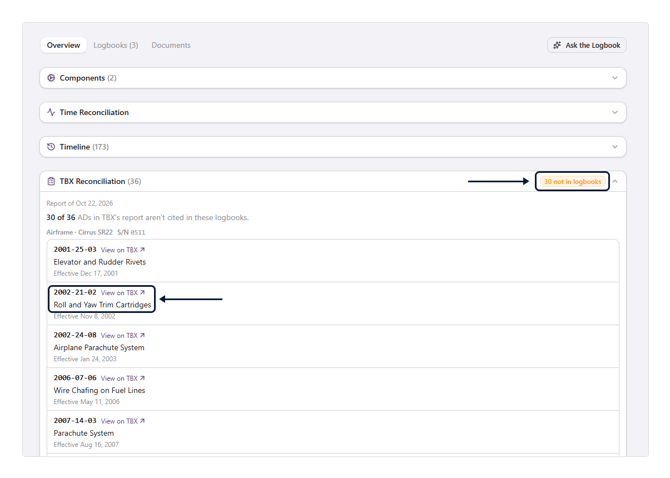
Click on View on TBX to view the AD in the AD Report Scratch Pad in TBX. Here you can review the AD as well as add compliance information, if necessary.