
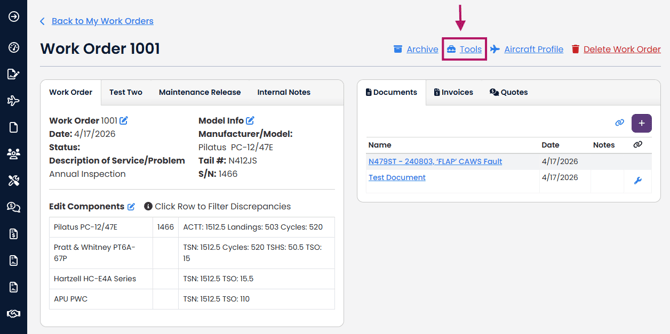
Navigate to the Work Order you would like to convert to an Invoice. Press the Tools button.
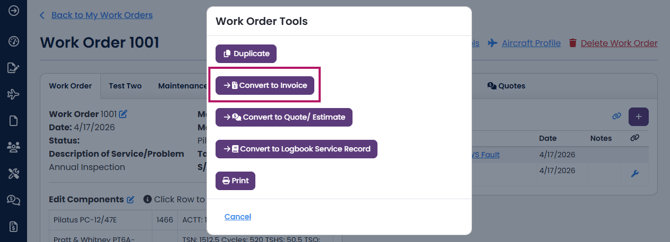
Select Convert to Invoice
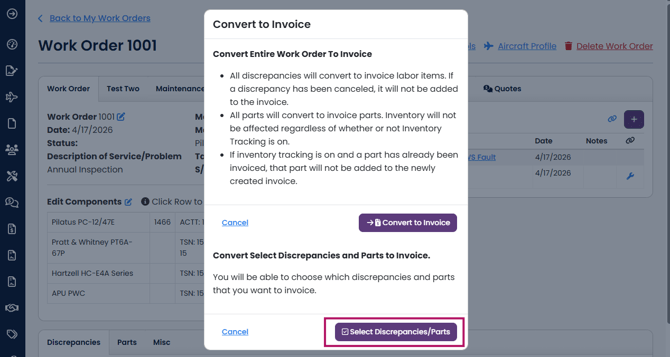
Click Select Discrepancies/Parts
If you want to be able to convert all discrepancies/parts to an invoice, here's an article on how to do that: Converting a Work Order to an Invoice
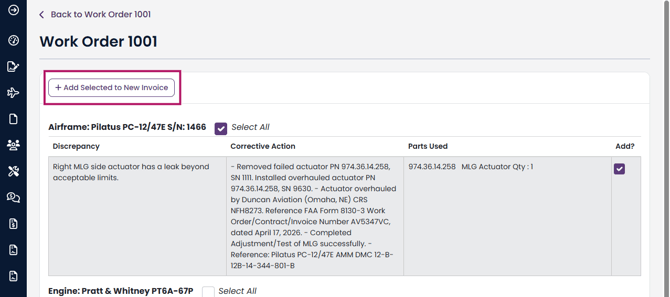
Check the box of the discrepancies and parts you want to add to your invoice.
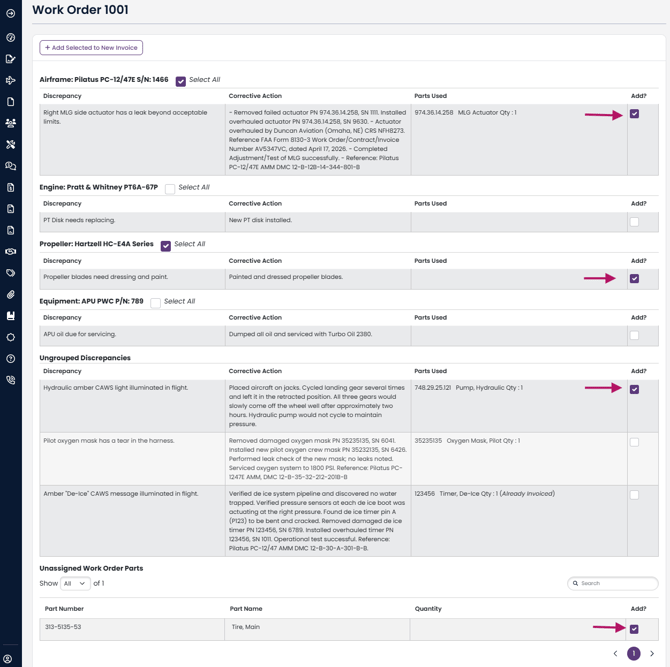
Click on +Add Selected to New Invoice at the top of the page
Your invoice has been generated with the selected discrepancies and parts. Please note, converting a Work Order to an Invoice does NOT change or delete your Work Order or any of its details.
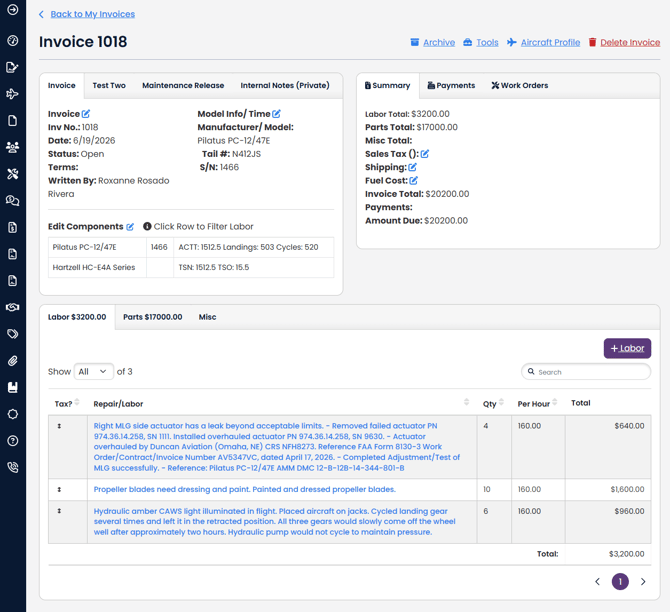
Only components linked to the work order discrepancy will be converted to your invoice.