
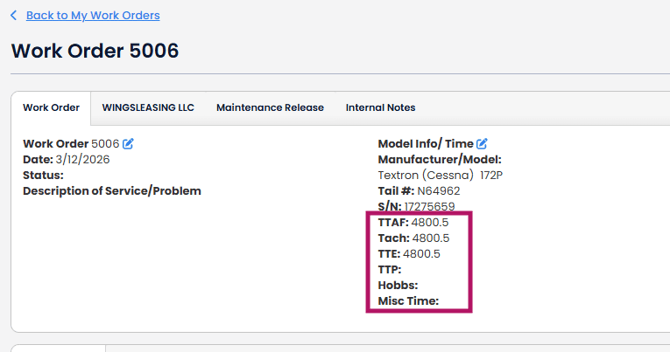
When you update times on the Aircraft Profile, the times will be added to all new AD Reports, work orders, Logbook records, invoices etc. created from the aircraft profile.
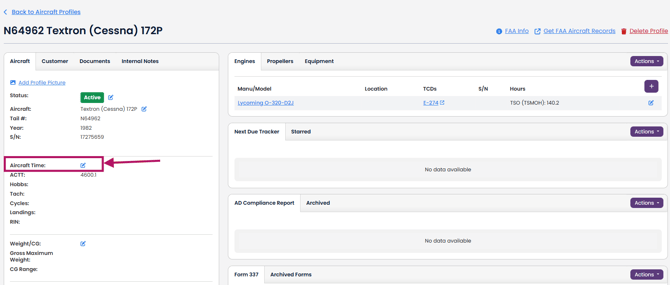
1. On the Aircraft Profile, click the blue pencil icon next to "Aircraft Time"
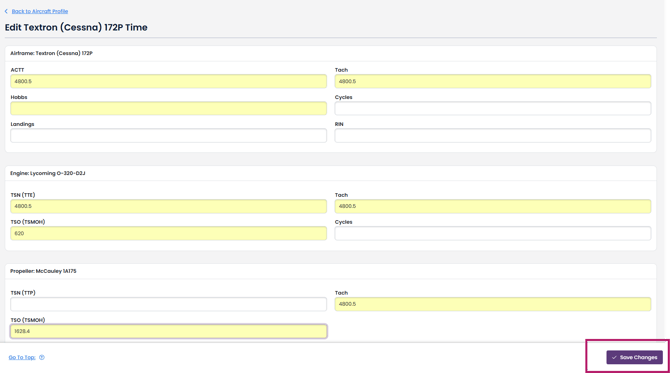
2. Update any of the times that you use. Don't forget to click "Save Changes"
3. The next time you create an AD report, work order, invoice, logbook etc., the updated times will be added to that document.
See also: How Aircraft Profile Times flow downstream into AD Compliance Reports.