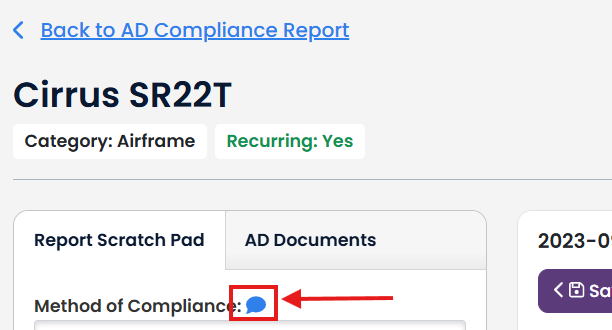
The AD Compliance Report Scratch Pad allows you to easily review an AD and update it with its method of compliance, date completed, and next due date.
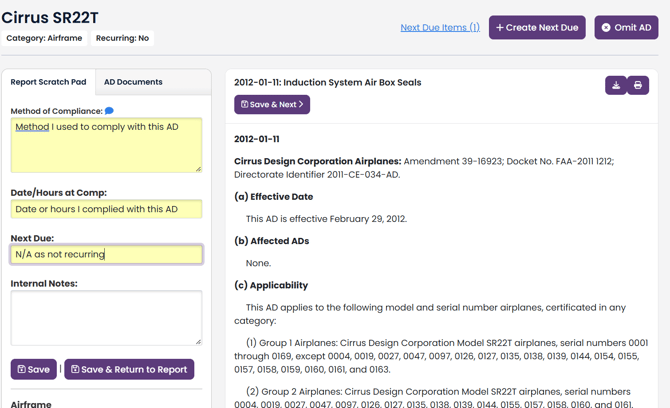
Once you have completed your AD review and entered your method of compliance, Date/Hour at Comp, Next Due, Internal Notes, Remanent (DGAC Style Only), you have various options to save this information.
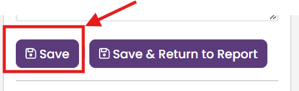
The Save button saves the information you added and leaves in the AD Scratch Pad.
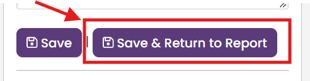
The Save and Return to Report button saves the information you added and returns you to the AD Compliance Report at the location on the AD you just updated.
The Save & Previous button saves the information you added and moves you to the Scratch Pad for the previous AD in your AD Compliance Report.

The Save & Next button saves the information you added and moves you to the Scratch Pad for the next AD in your AD Compliance Report.

Note: If the Save & Next button is not available, you are at the last AD in your AD Compliance Report. Likewise, if the Save & Previous is not available, you are at the first AD in your AD Compliance Report.
Other features of the AD Scratch pad include:
Quick reference badges to tell you the AD category, recurring status, and historical status.
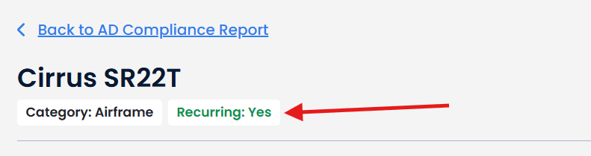
Note: Quick Reference Badges reflect the Recurring and Historical/SSED check boxes for that AD in your AD Compliance Report and not the TBX categorizations.
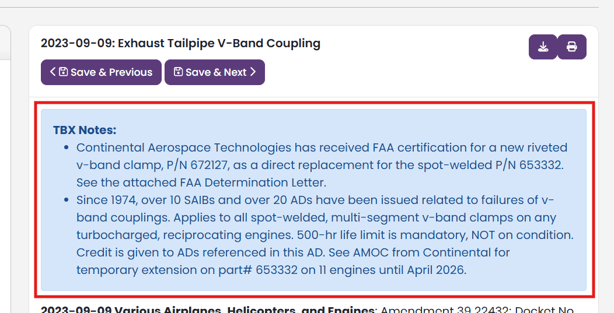
TBX Notes that add additional detail and understanding of the AD.
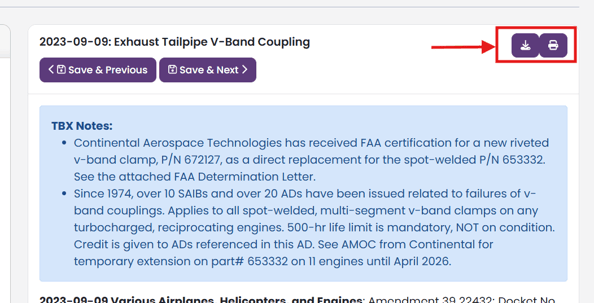
Print or Download a copy of the AD.
Create a Next Due Item for the AD

Omit an AD from your AD Compliance Report.

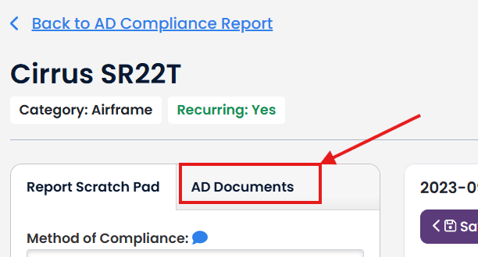
Add supporting documents to your AD.
Adding a stored Method of Compliance.