
- Go to the My Parts page: https://members.airworthy.com/Members/Parts
- Select the part you want to update.
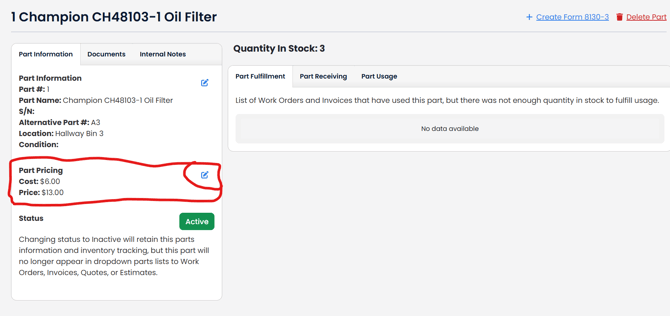
- On the part's page, find the Part Pricing section and click the blue pencil icon to edit it (see picture below)
4. In the pop-up window, enter the new price and save your changes.