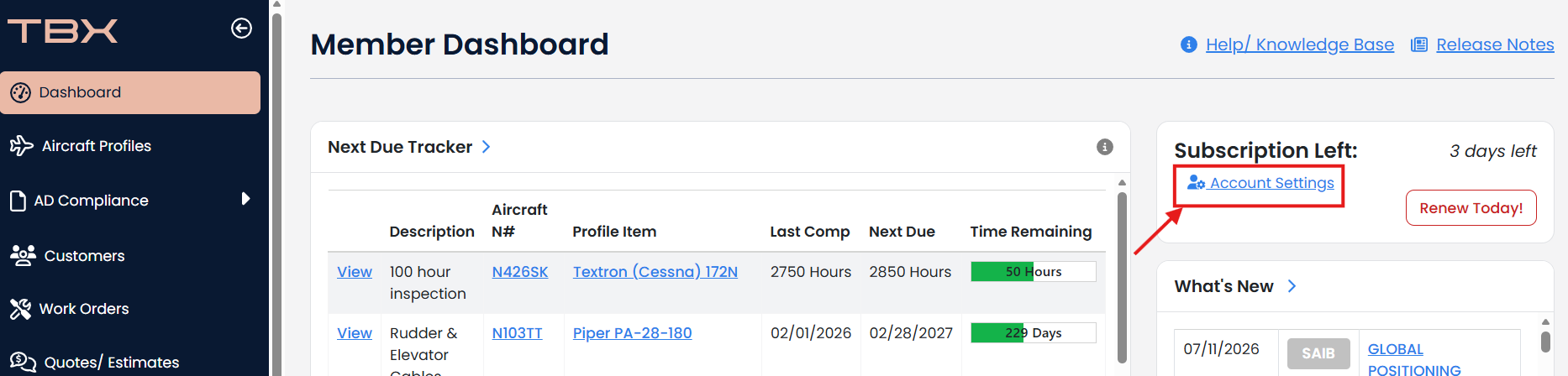
When your account is 60 days from expiration, a "Renew Today" button will appear on your Member Dashboard.
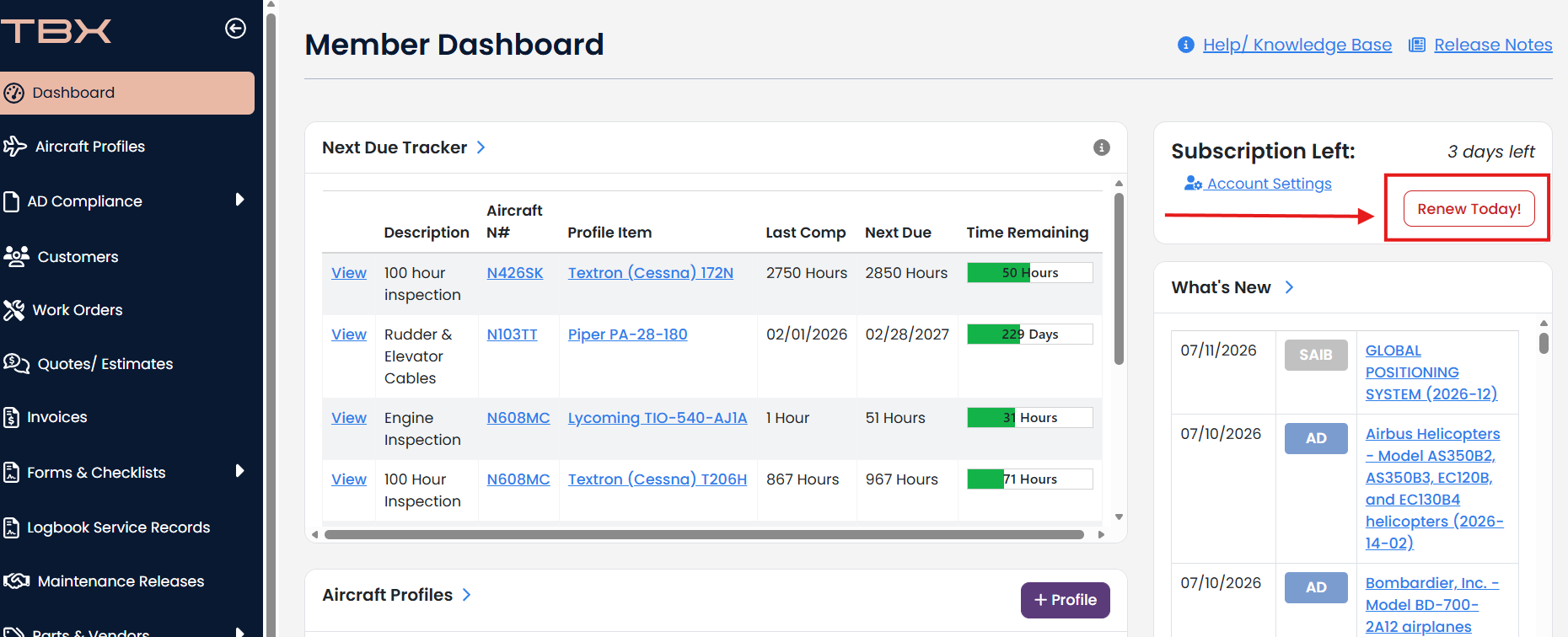
Click Renew Today button
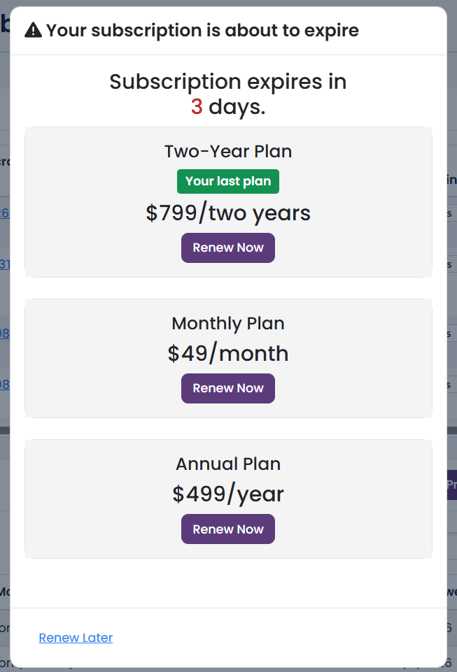
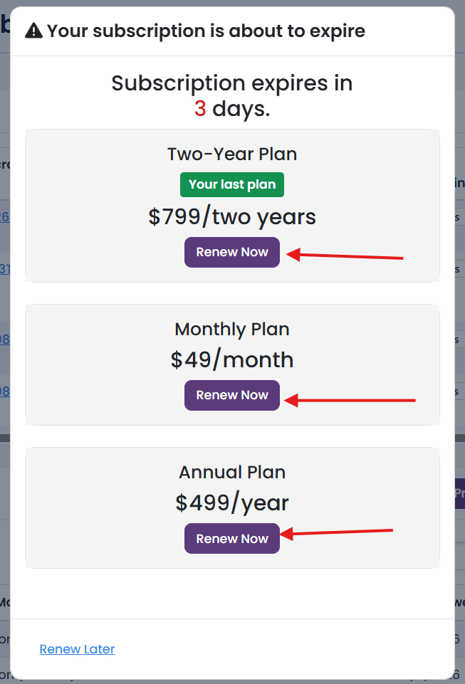
Choose a plan you want to purchase and click the purple Renew Now button below the plan.
Verify that your information is correct.
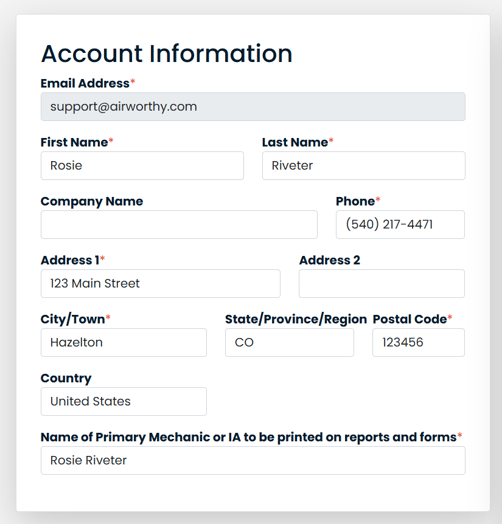
Make any changes that are necessary, otherwise complete the payment process.
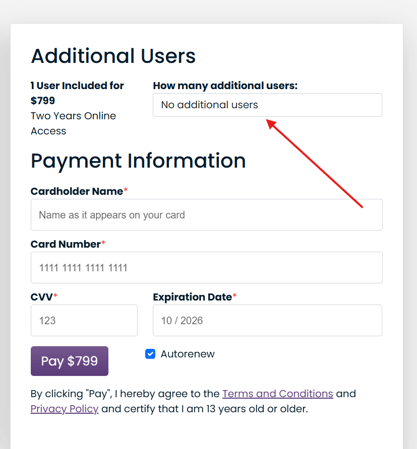
Need additional users? Select the amount you would like. Note: If you already have additional users, you will not be allowed to select a value less than the amount of additional user licenses in use.
Fill out your credit card information.
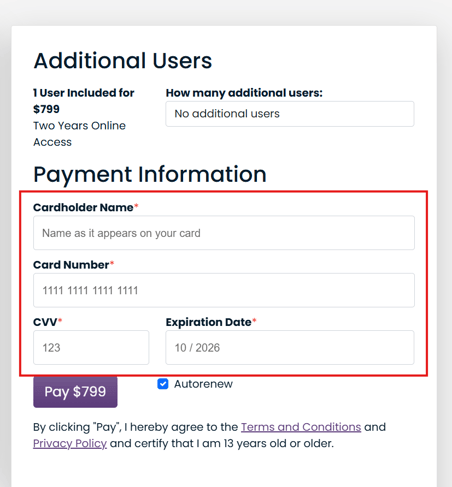
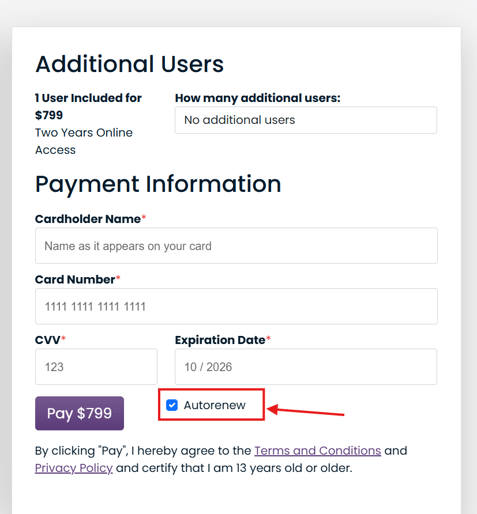
Want to have autorenew to save your time? Keep autorenew checked. Otherwise, uncheck it.
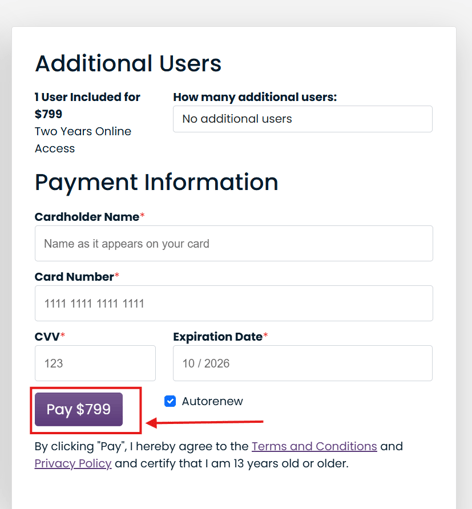
Click Pay button.
Your subscription is now renewed.
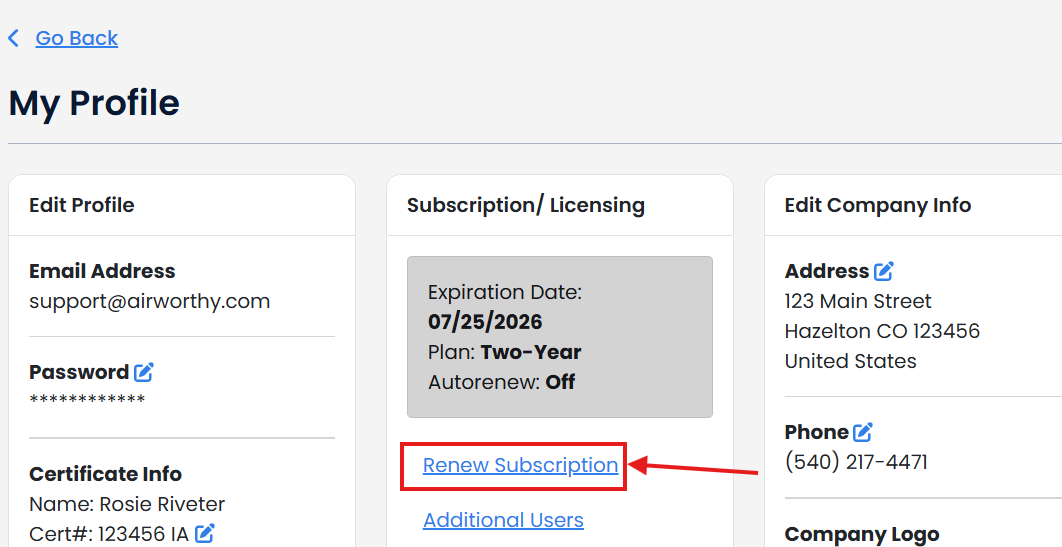
Renew Subscription is also available in My Profile/ Account Settings.