Go to the Aircraft Profile for the aircraft you want to print a next due list for.
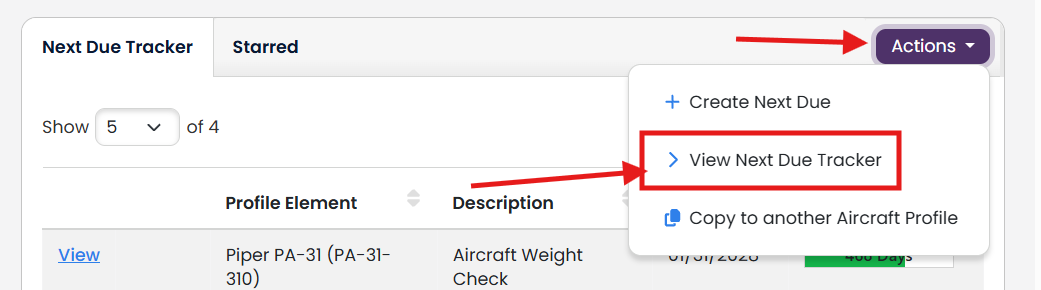
In the Actions dropdown of the Next Due Tracker table, click View Next Due Tracker
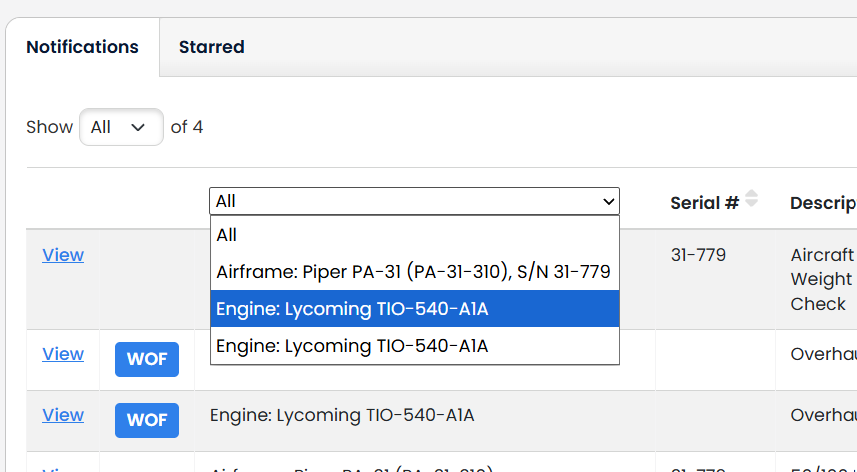
You can filter only the aircraft profile component you want to view by selecting it in the dropdown.
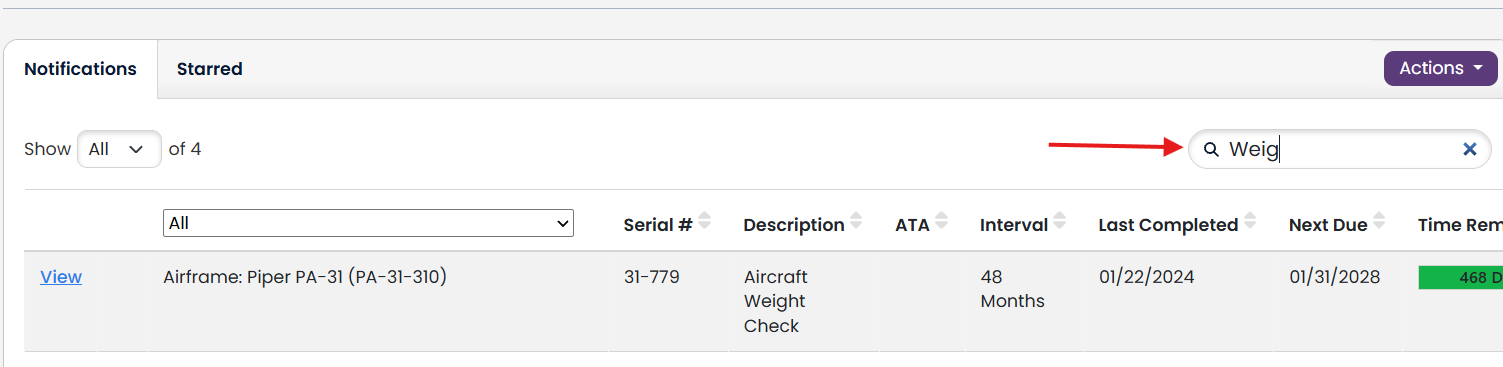
You can filter to specific words by using the Search box.
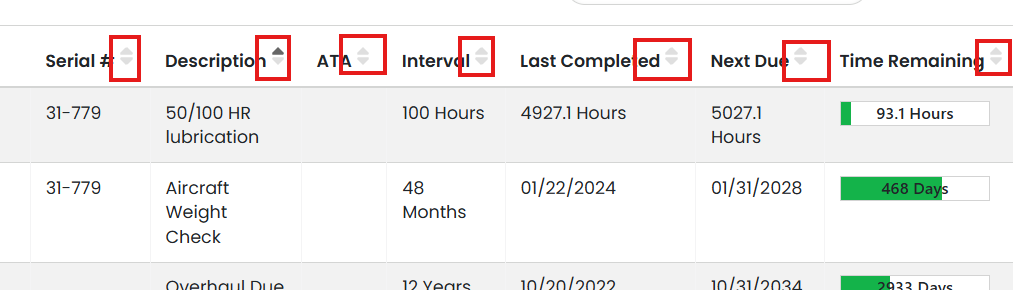
You can sort by any column by clicking the header.
The Next Due Item List will retain all your filter and sort selections, so when you return to the table you will not need to redo them.
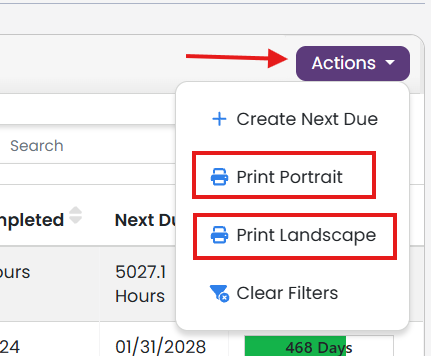
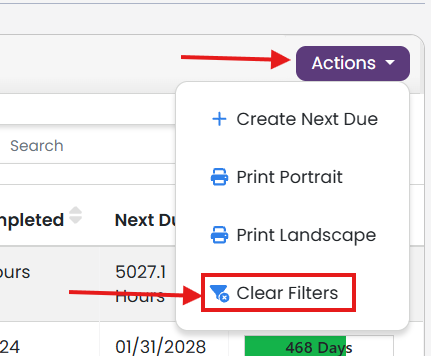
To clear the filter and sort options and restore the table to its default sort, time remaining descending, go to the Actions dropdown and select Clear Filters.
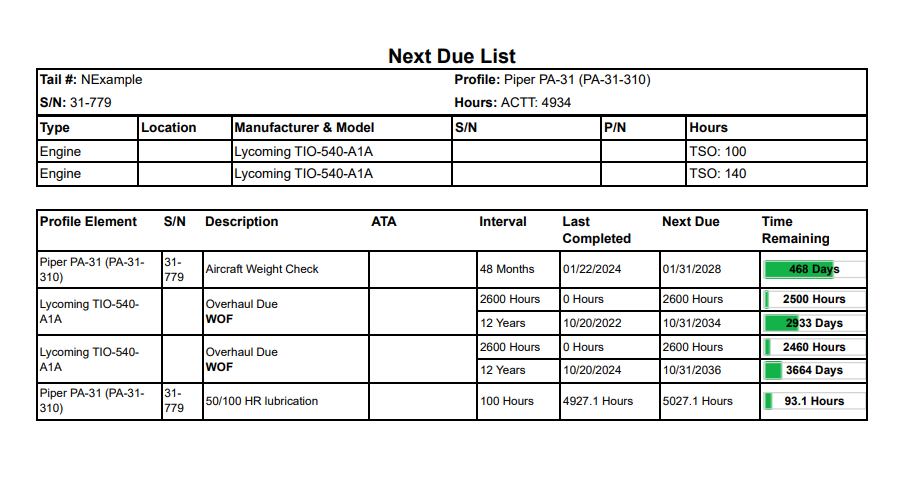
The Next Due List will print as it is filtered and sorted on screen. This gives you the flexibility to print your Next Due List that best suits your work flow.
To print, click one of the two options in the Actions dropdown.