
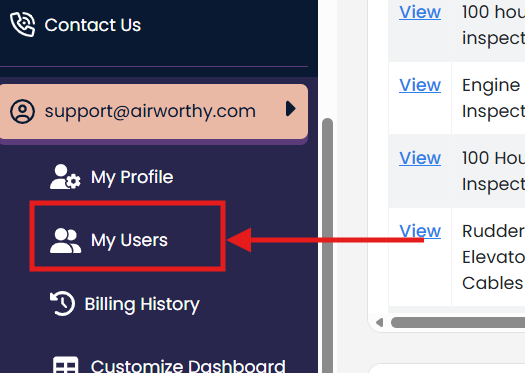
Click "My Users"
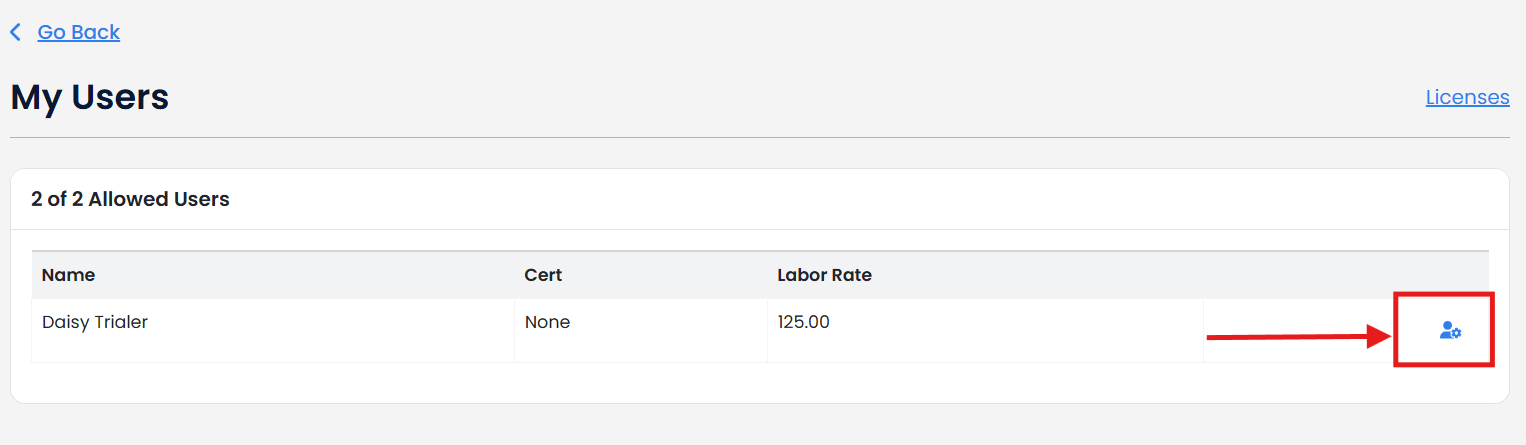
Click the cog icon next to the user you want to remove from your account.
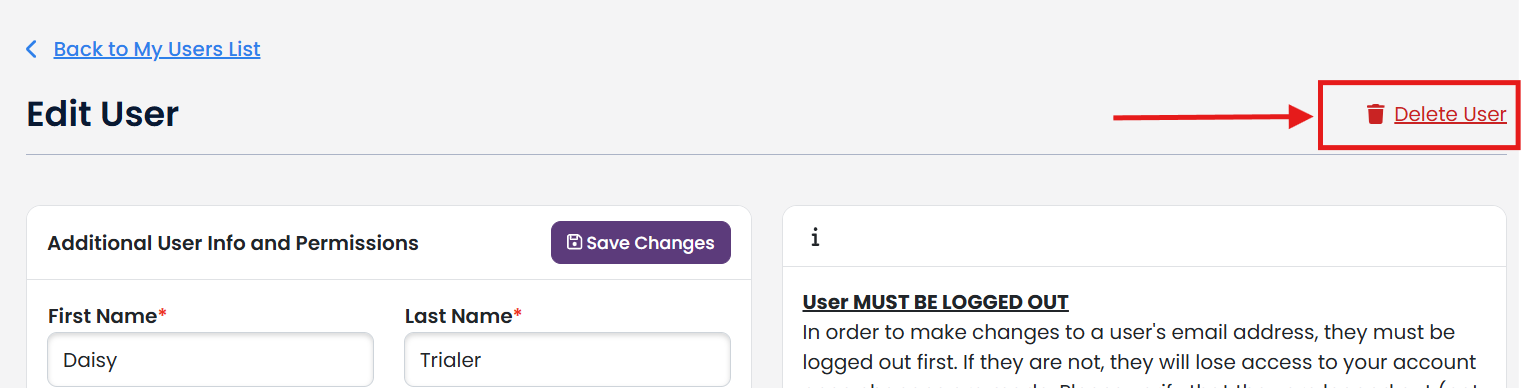
Click "Delete User"
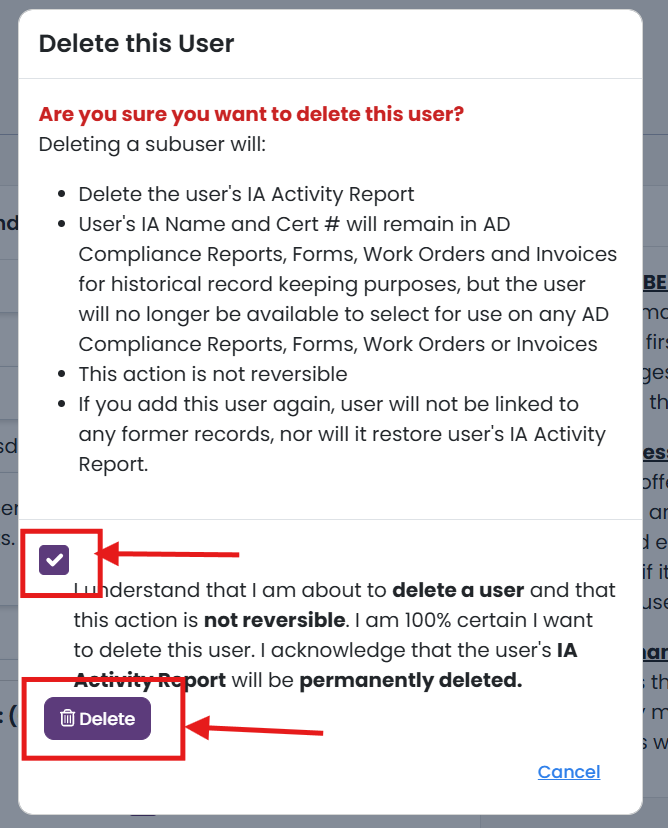
READ the Delete this User statement.
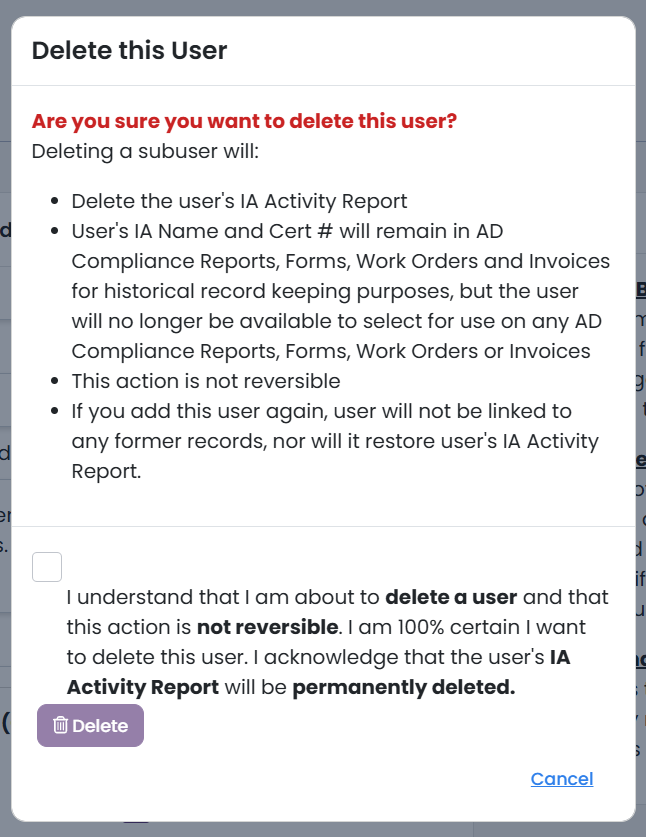
If you agree, check the checkbox and click "Delete"
This user will be deleted and you will have access to use the additional user license for a different user or downgrade your additional user licenses in your account.