Important: To export a Next Due Tracker item to a work order:
-
A work order must be created first; and
- The work order must NOT be archived; and
- The next due tracker item was not previously added to the work order.
You can easily add next due tracker items to a work order on creation. Click here to learn how.
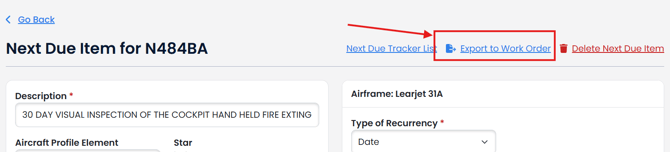
From the next due tracker item you want to add to a work order, click Export to Work Order.
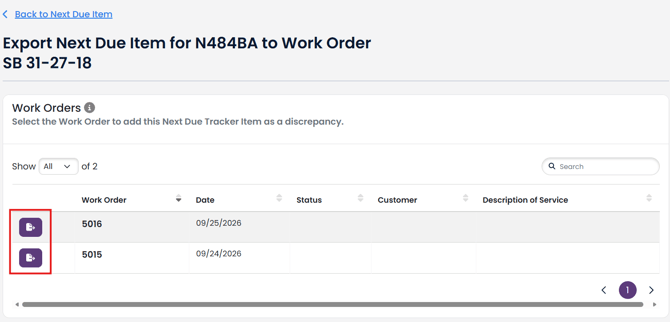
Click the Export button next to the Work Order you want to add the next due item to.
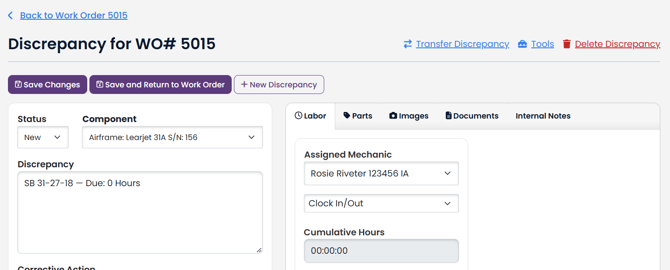
A discrepancy will be created in the selected work order.