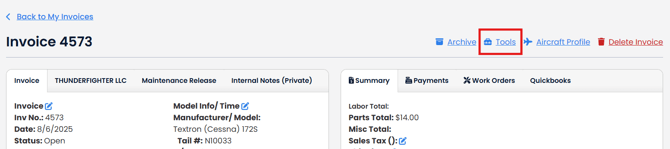
To email a copy of invoice directly to a customer, view the invoice you want to email.
Click "Tools" link in the upper right corner.
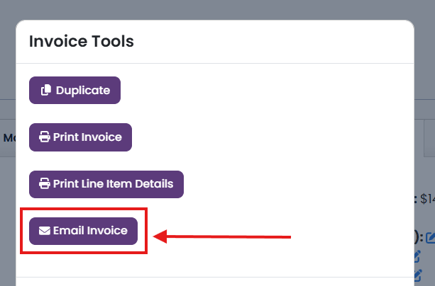
Click "Email Invoice" button in the Tools modal.
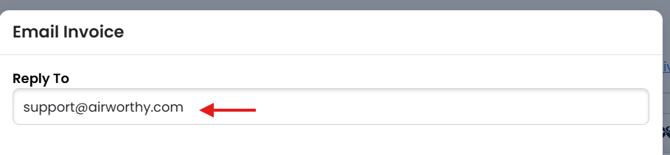
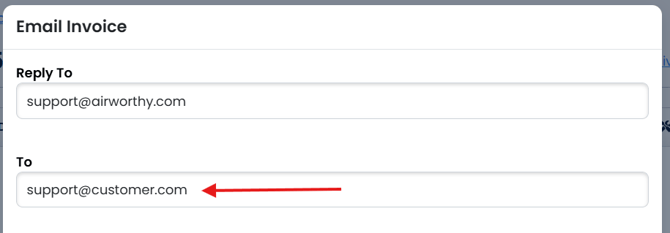
Invoices will be emailed from no-reply@airworthy.com but you can us the Reply To field to add an email that your customer can reply to. It will default to the email address of the user logged in.
If your customer has an email address in the customer information of the invoice, the To field will autofill with that email address. Otherwise, you can type the email address you would like to send the invoice to.
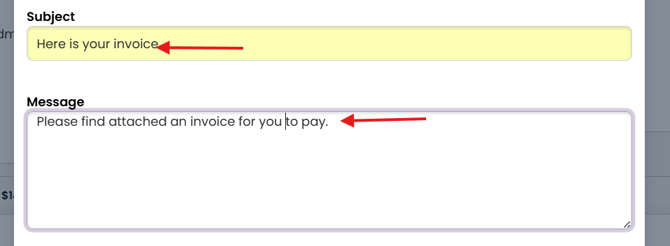
Type a Subject for your email and a Message.
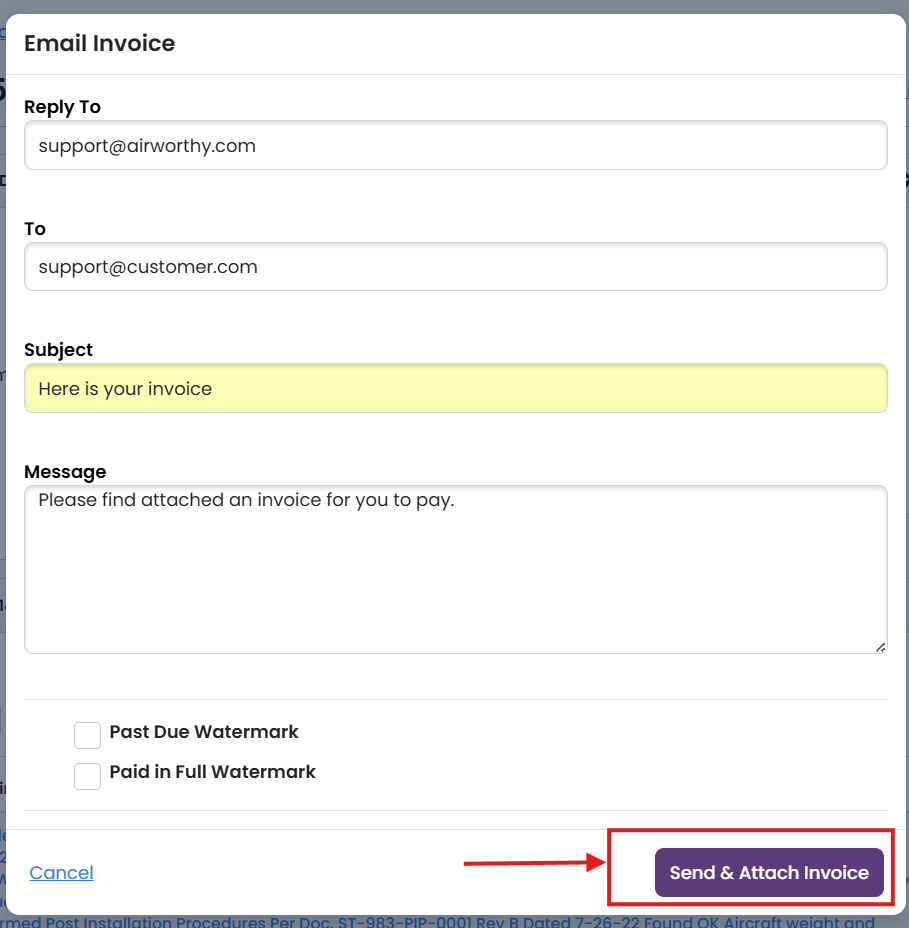
You can elect to affix a Past Due watermark or Paid In Full by checking the corresponding boxes.

Reply To, To, Subject, and Message are required.
Click "Send & Attach Invoice" button.
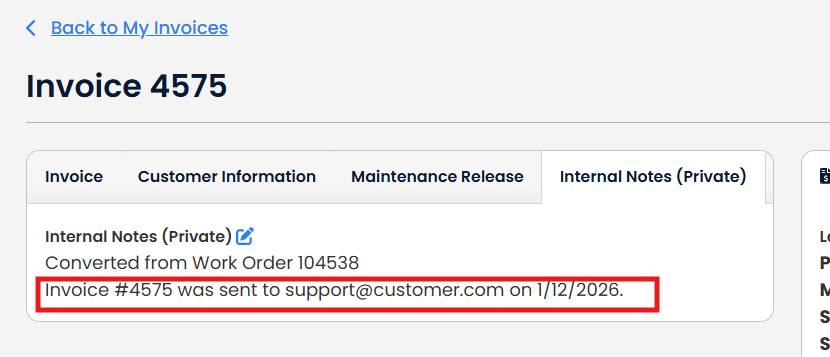
A note will be added to Internal Notes.