
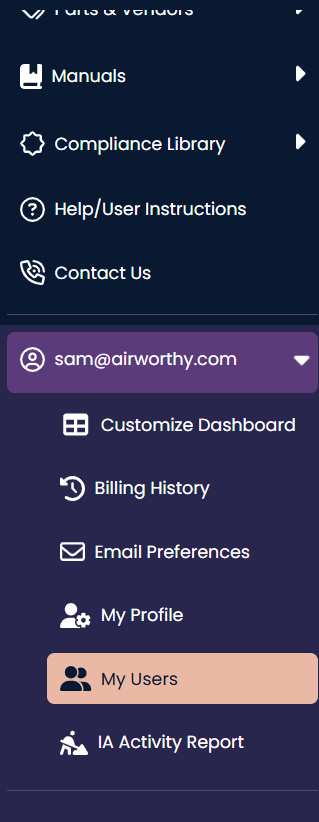
To Edit an Additional User, click on the left-hand navigation menu and click on the "My Users" option from the sub-menu.
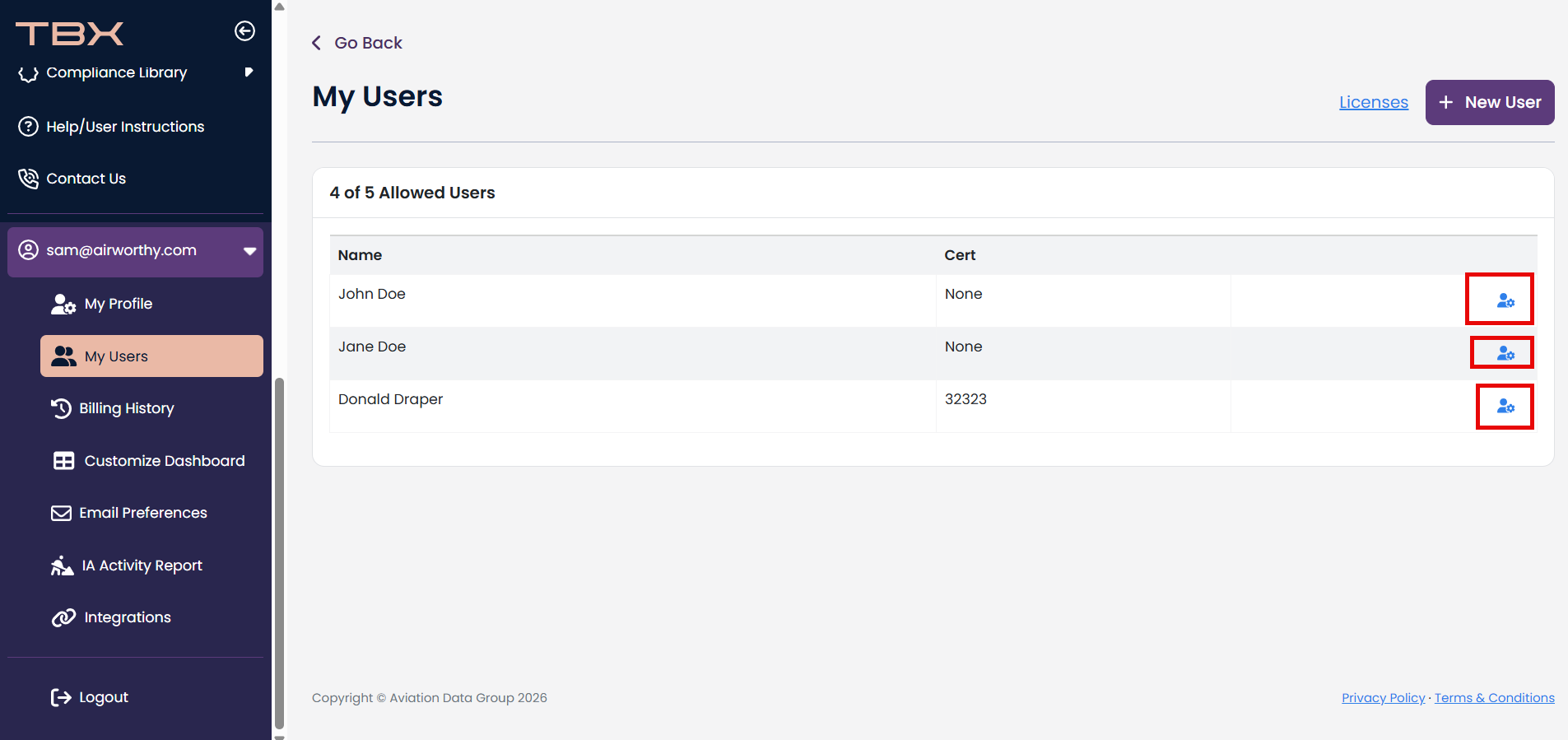
If you have any additional users you can click the icon to the right of their name to edit their existing additional users' information.
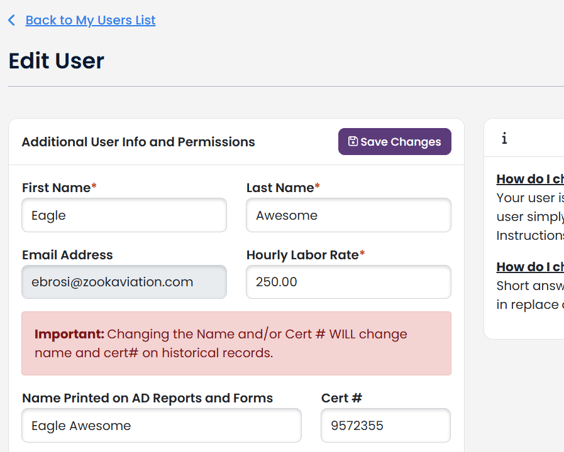
You may make changes to First Name, Last Name, Hourly Labor Rate, Display Name and Cert #; however, these should only be change to correct misspellings, update cert # or hourly rate.
If you want to change or replace a user, see this article.
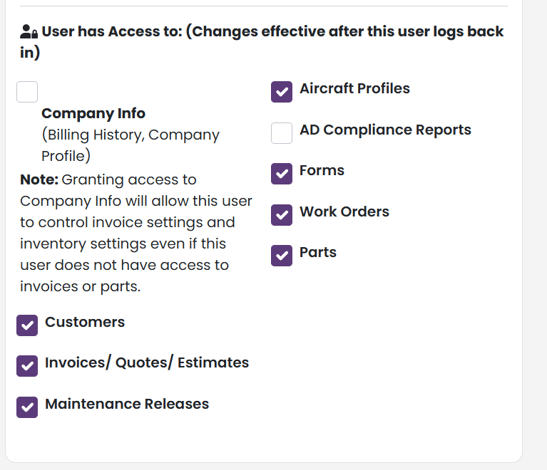
You may also update User Permissions
Once you have made your changes, click Save Changes.
How do I change a password for my additional user?
Your user is the only one who can change his or her password. The user simply must go to the login page and click "Forgot Password". Instructions will be emailed to the user to reset his or her password.