
You can get Form 337, airworthiness certificates, and other records for a specific aircraft from the FAA through their website: cares.faa.gov/home.
You will need to register for a free account with Login.gov in order to get aircraft records.
Click Sign In/ Register to register a new account.

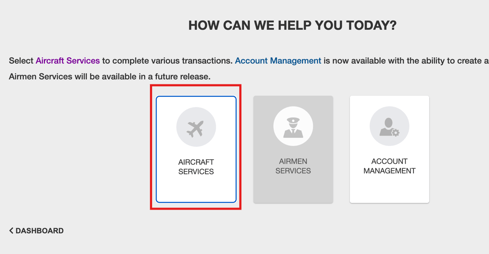
Once you have completed registration and logged in to CARES, click "Aircraft Services" on your CARES dashboard.
Click "Search/ Request Aircraft Records".
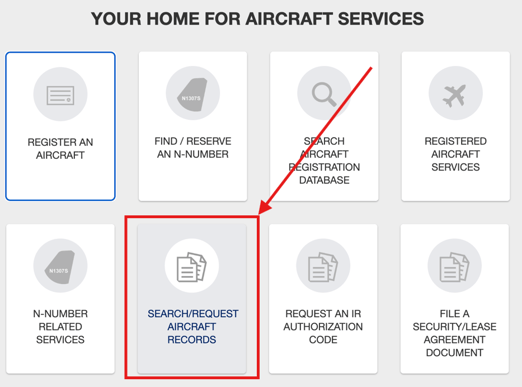
You can search by N# or Serial number.
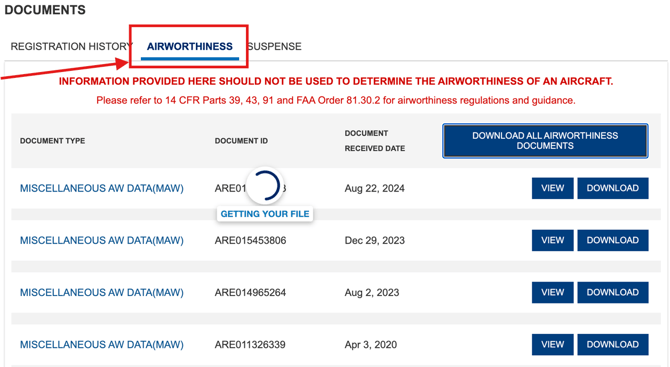
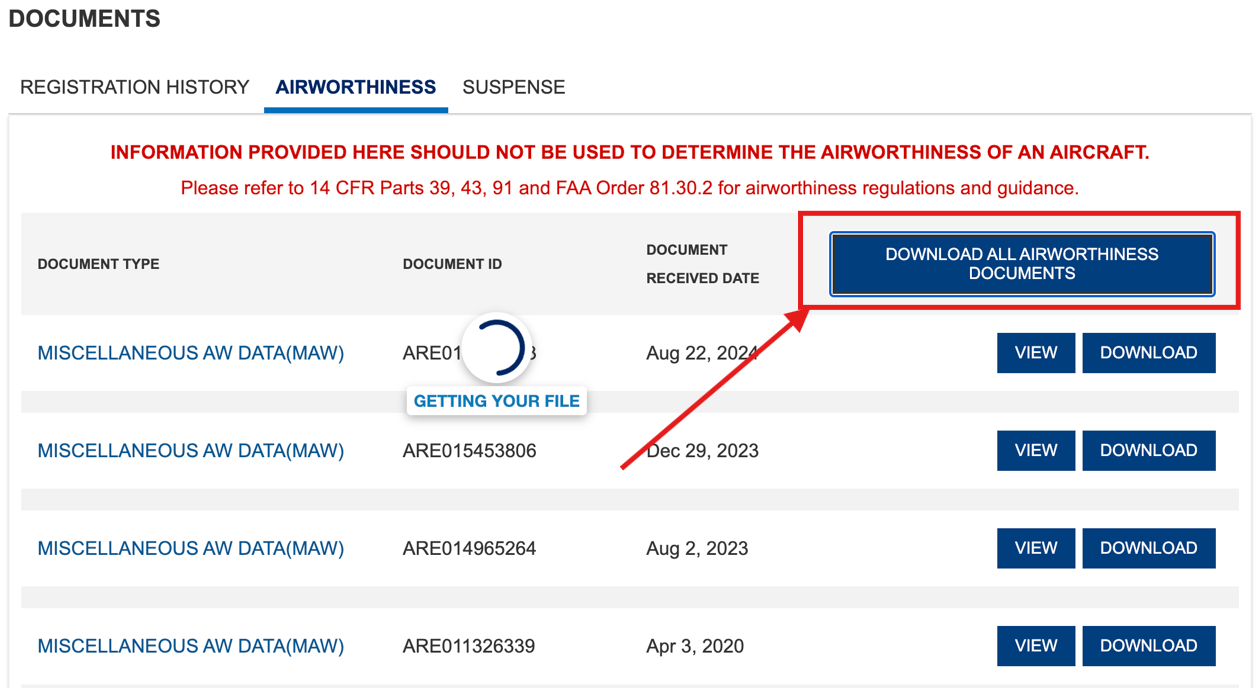
Once you completed the search, click the "Airworthiness" tab to view the available documents for your aircraft.
You can view or download individual documents by clicking the View or Download button next to the document.
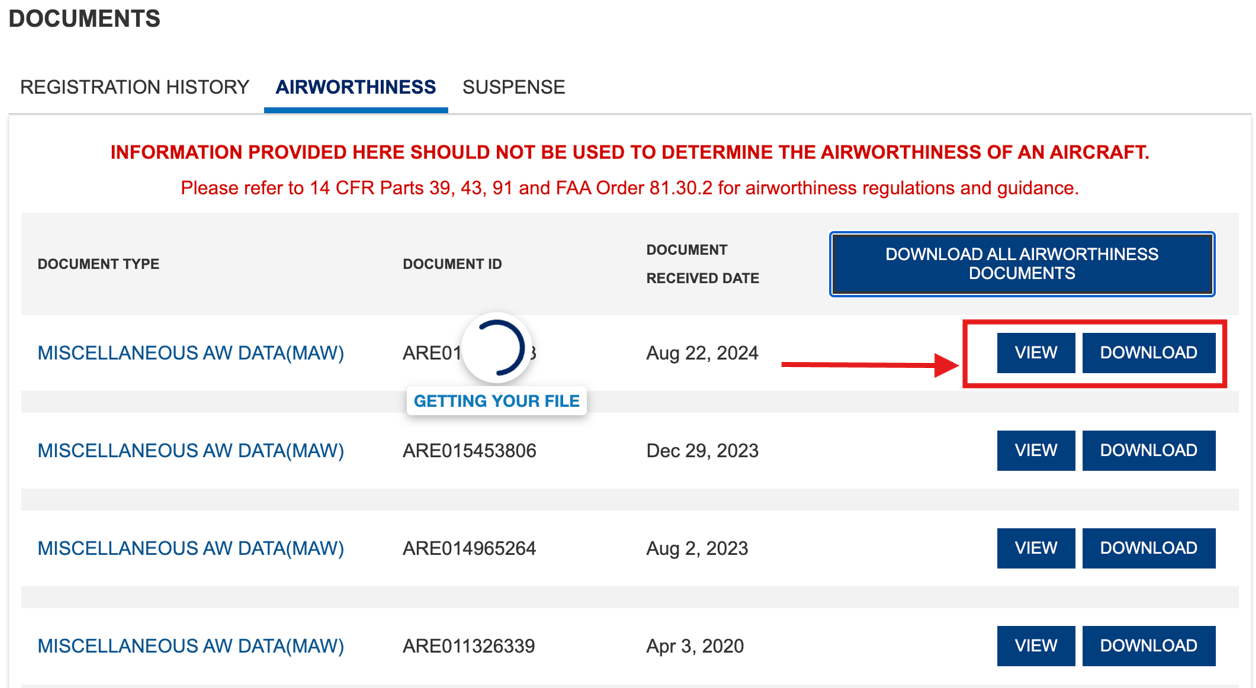
You can also download all the airworthiness documents for an aircraft by clicking the "Download All Airworthiness Documents" button.
Once you download your documents from CARES, you can upload the documents to your Aircraft Profile.