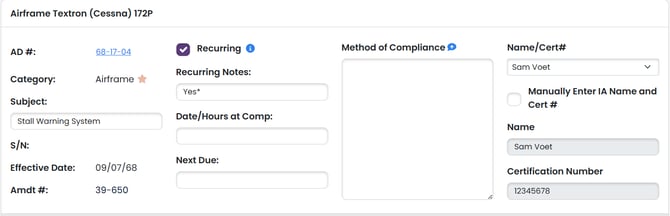
There are times when we may want to add ADs from another make/model, or add certain ADs that are out there to prove that we looked into them. This is possible from the AD Report Prep page.
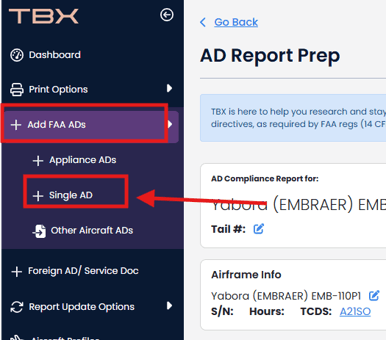
Navigate to the left navbar and select "+ Add FAA ADs" and then "Add Single AD":
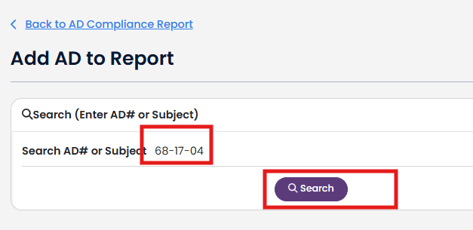
Enter an AD# or subject that you would like to search in the Search box and then click the purple "Search" button.
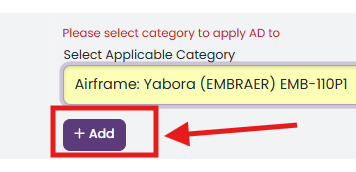
In the results table, select the category where you want to add the AD to from the Select Applicable Category dropdown.

Then click purple "+ Add" button.
Here it is in the report: