
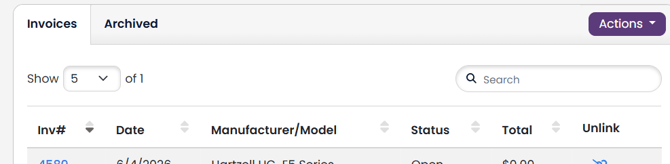
In your Aircraft Profile, scroll down to the Invoice table.
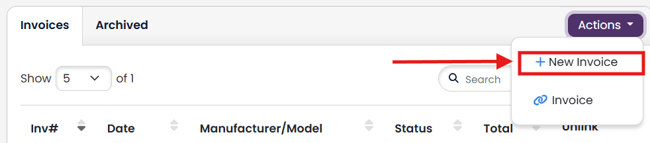
From the Actions drop down, select + New Invoice.
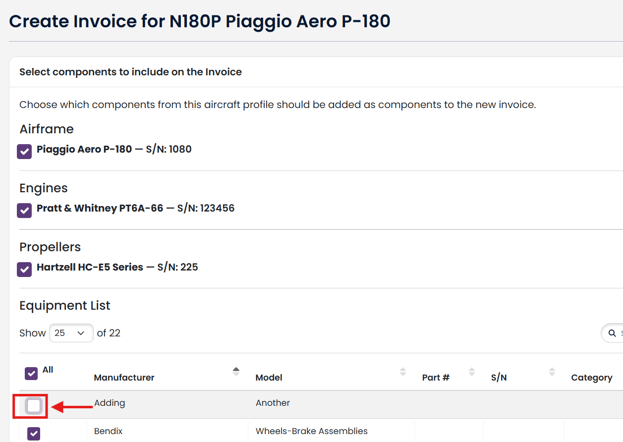
By default, all components in your aircraft profile are selected. You may choose to not add a particular component from your aircraft profile to your invoice by unchecking it.
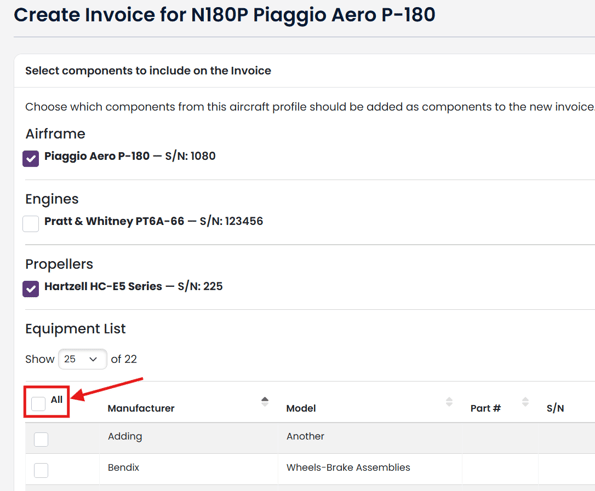
You may also use the All check to uncheck all equipment in your equipment list.
Click + Create Invoice button to complete creating a new invoice.
Component times will be added your Invoice. Note: If the component time is 0, it will not be added to your invoice.