
1. Open an Aircraft Profile page and click the Blue Engine make/model. 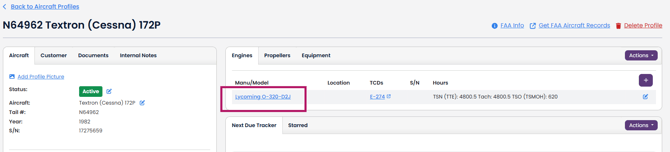
2. Click the "Create AD Compliance Report" Button.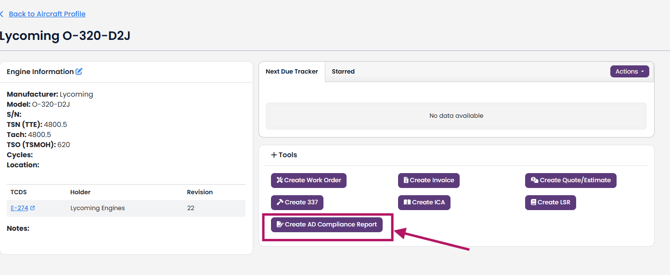
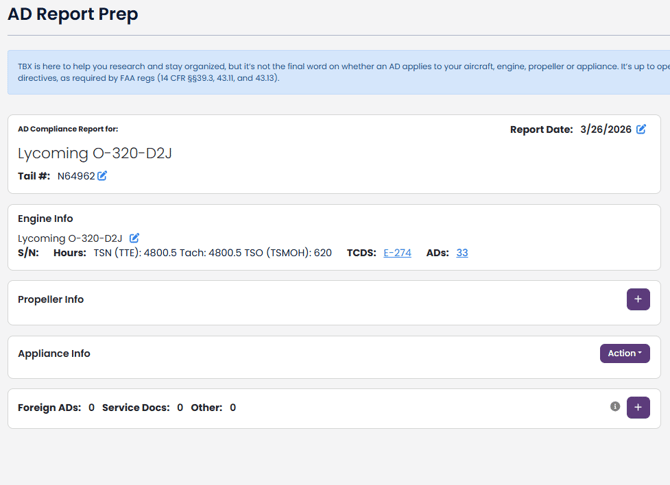
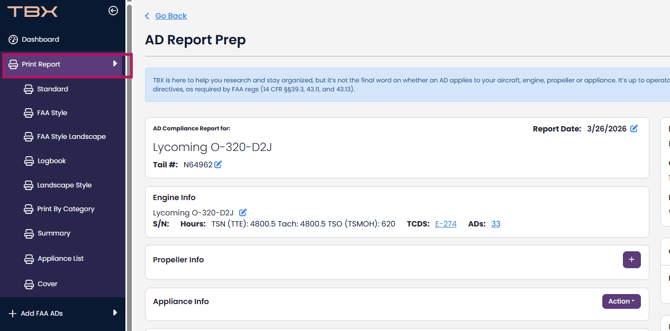
The engine from the Aircraft Profile show on the AD Report Prep page. The information includes times and serial number.
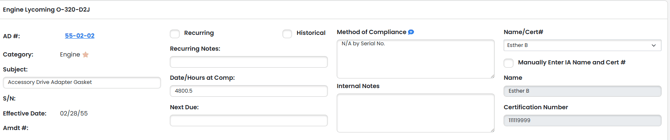
Fill out the AD information below in the report for Date/Hours at Comp; Next Due; Certs and method of compliance for all ADs. You are also able to change the sorting (new to old), delete multiple ADs, duplicate ADs, and omit ADs.
Once you've filled it all out, you are able to print the reports by navigating to the left navigation bar and selecting "Print Report" and then the style you prefer (FAA Style is a popular choice):
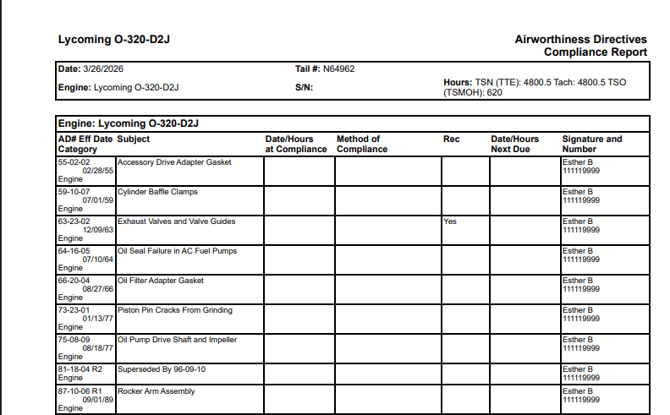
This will produce a report that you can now print for your records (you need to click the printer icon  in top right to print it):
AD Reports are highly customizable. See our other articles on how to add cover sheets and Notes, and save Methods of Compliance to reuse.