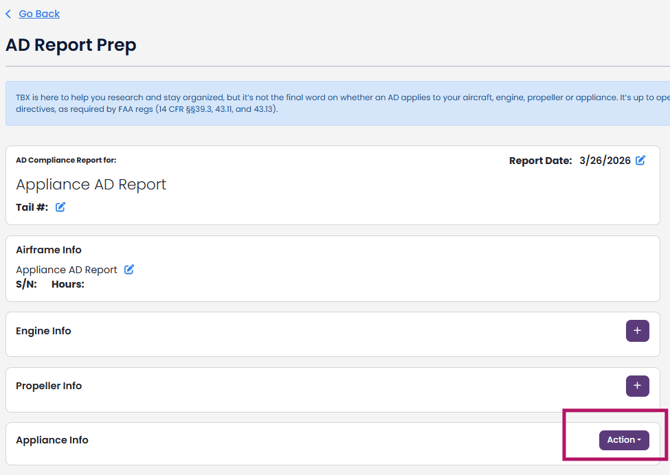
- If you want to create an Appliance Only AD Report but do NOT need to have an aircraft profile, go to the black task bar on the left and select AD Compliance, then AD Search.
In the Airframe Manufacturer field, enter "exp" and click "Search by Airframe"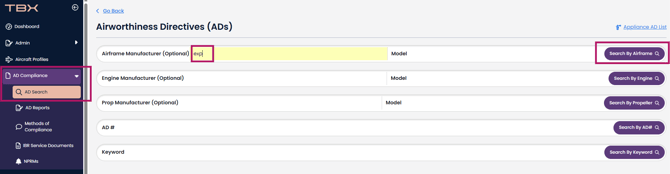
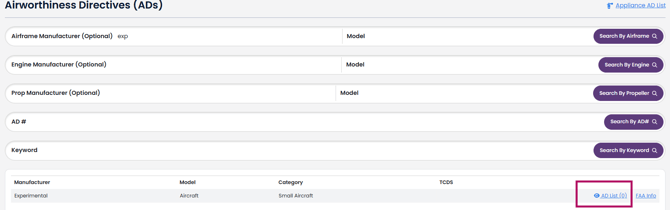
- Click on the blue text "AD List (0)"
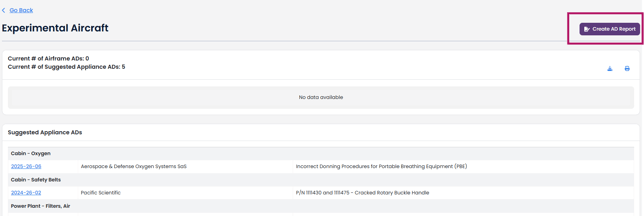
- Then click the "Create AD Report" button
4. Change the information to what you want for manufacturer and model, serial number and times. 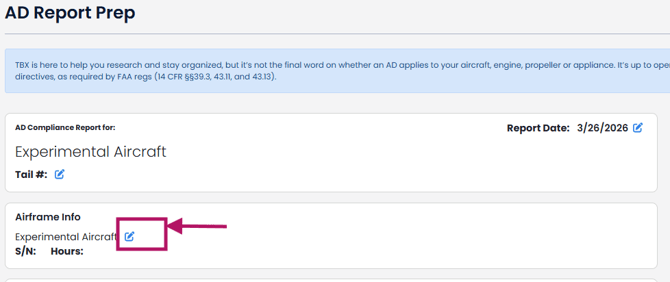
5. And then add the appliance ADs you want.