From your Aircraft Profile
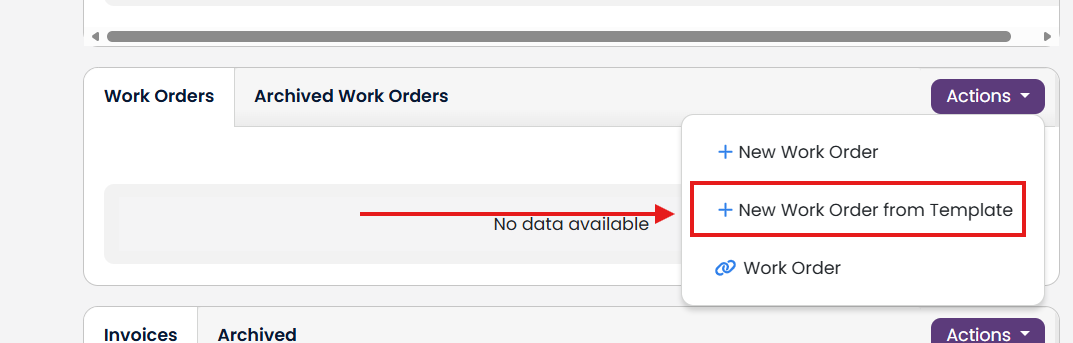
Then scroll down to the Work Orders and click on the Actions button. Select + New Work Order from Template.
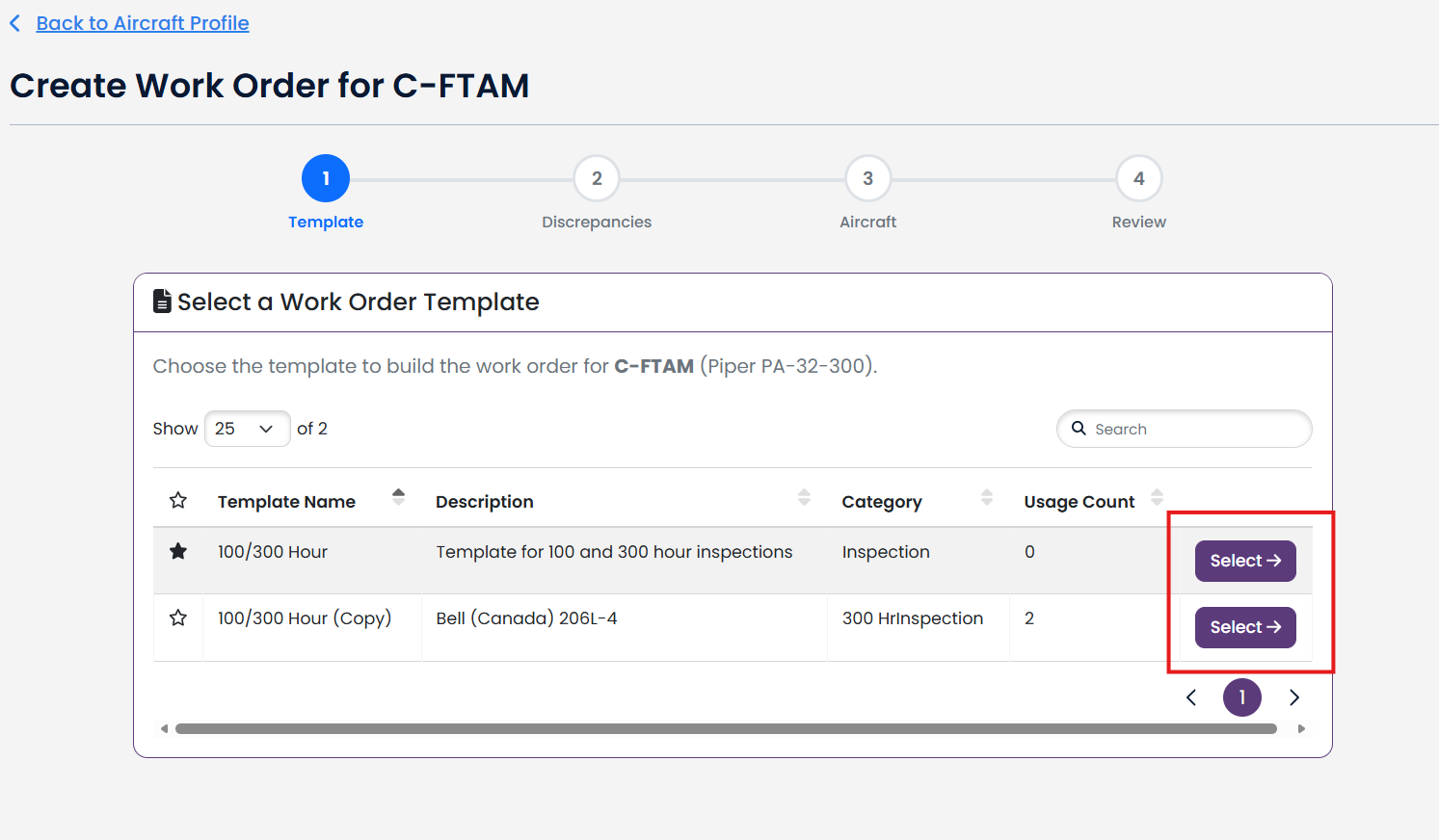
Select the Template you want to use to create the Work Order.
Note: Only your templates will be available to choose from. Public templates are not available to select. See detailed instructions on how to create a work order template from a public work order template, click here.
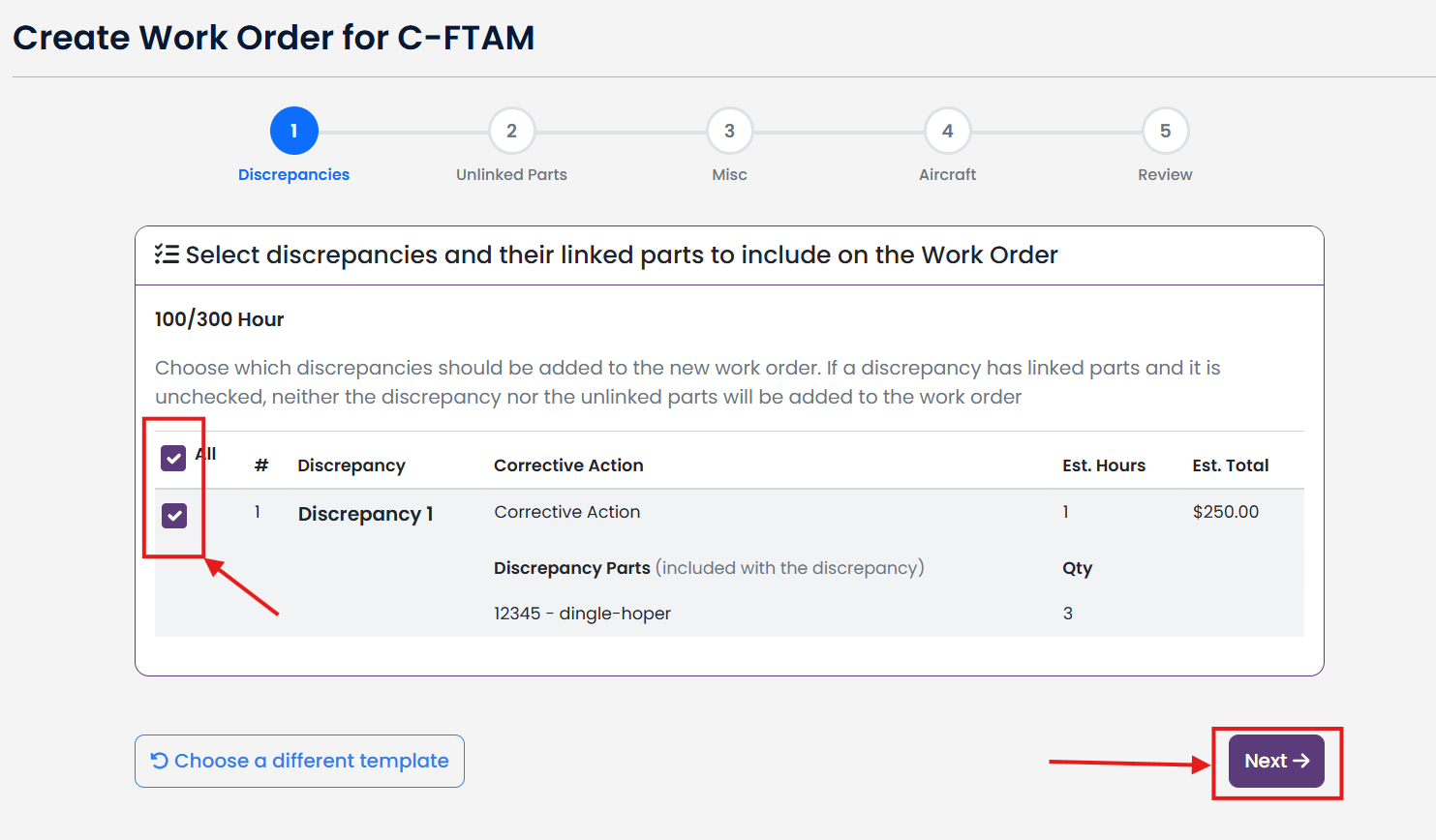
Select which Discrepancies you want to include, and then click Next.
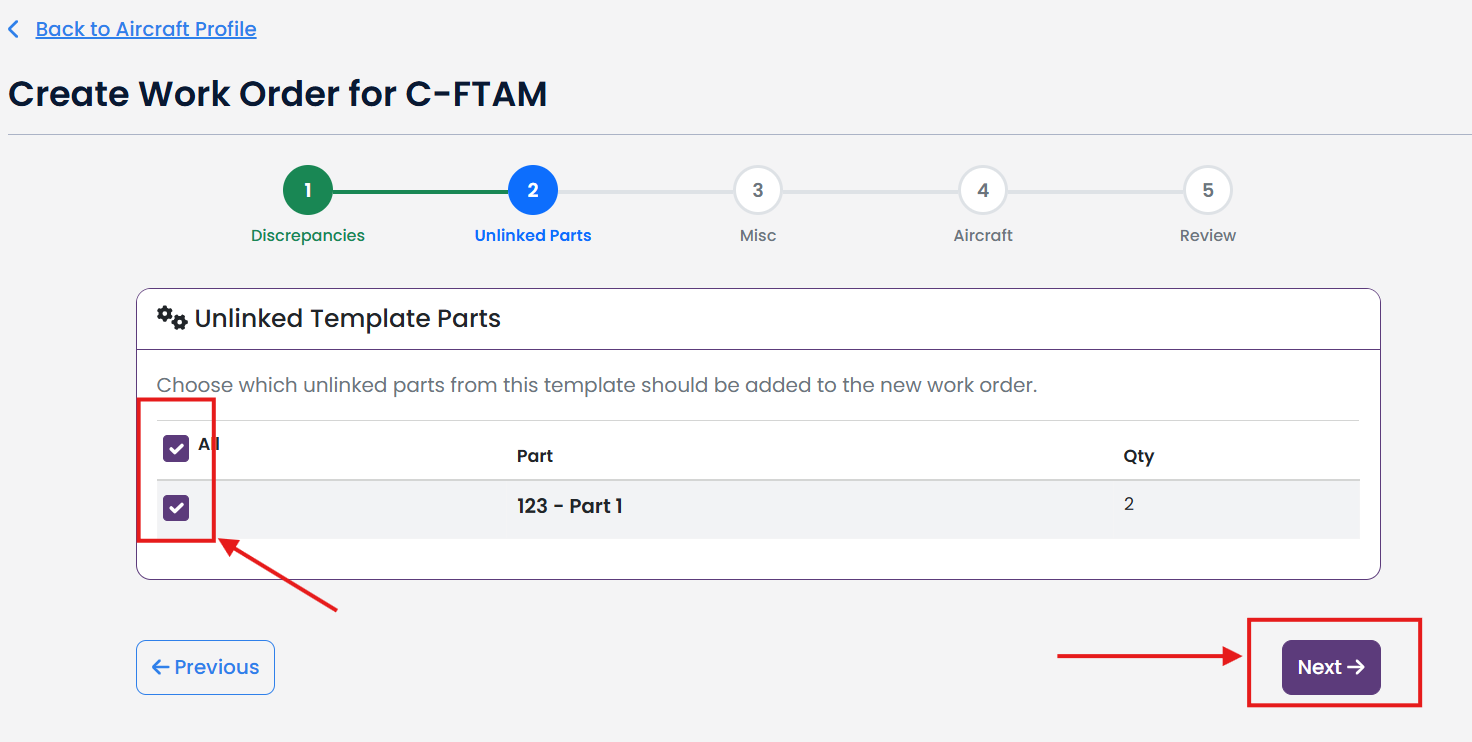
Select any Unlinked Parts from the Template that you want to include and then click Next.
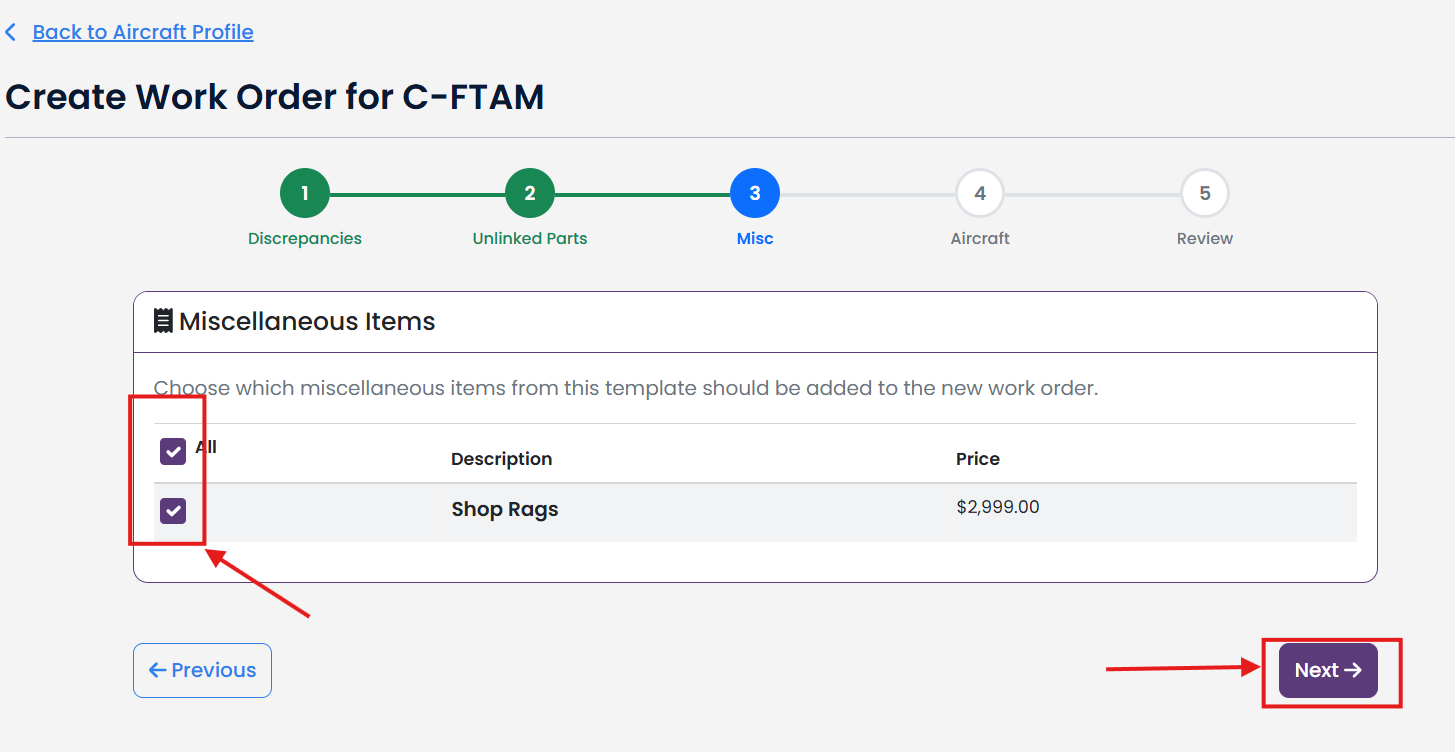
Select any Miscellaneous Items from the template that you want to include and then click Next.
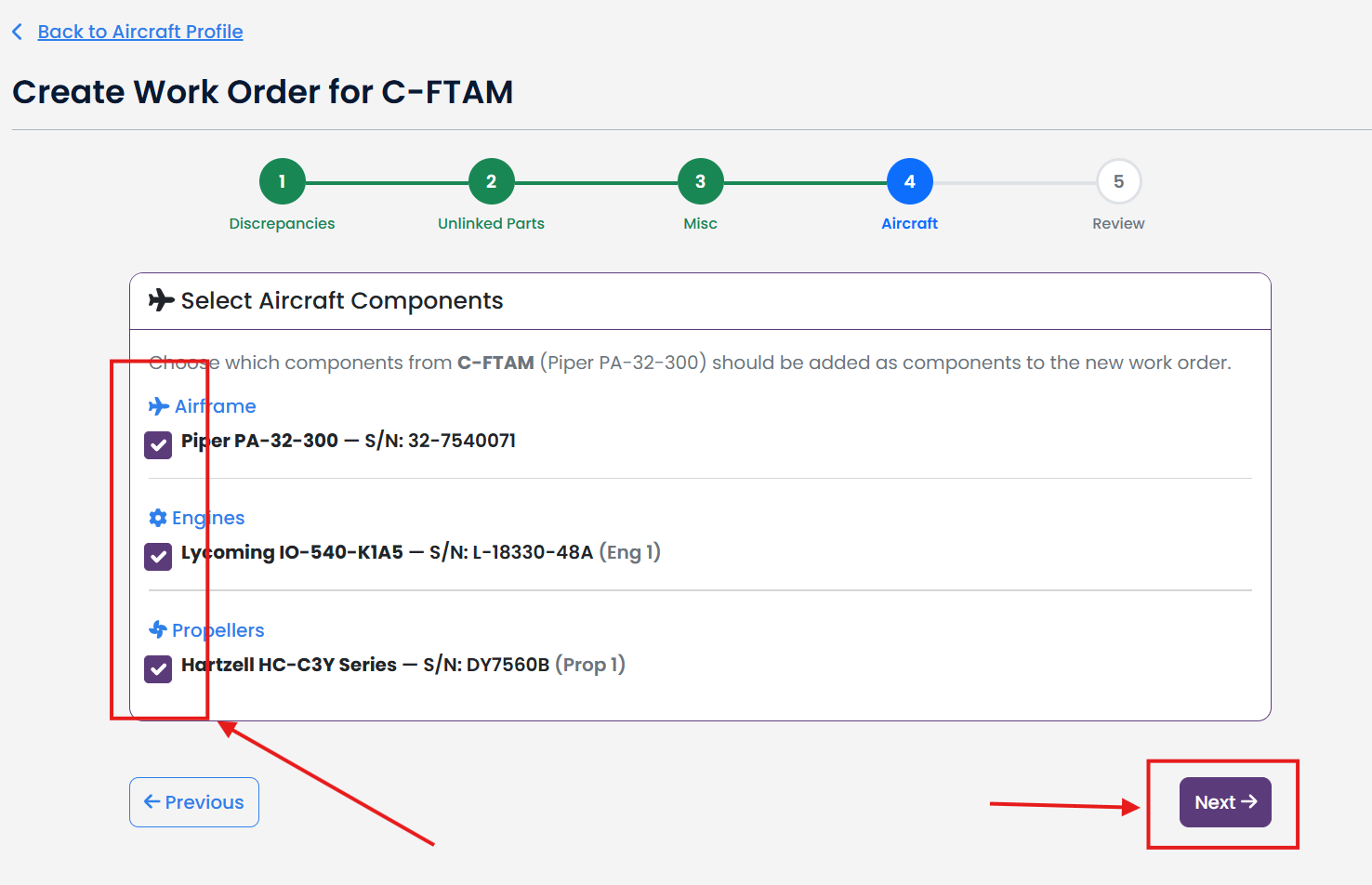
Select any Aircraft Components from your Aircraft Profile that you want to include and then click Next.
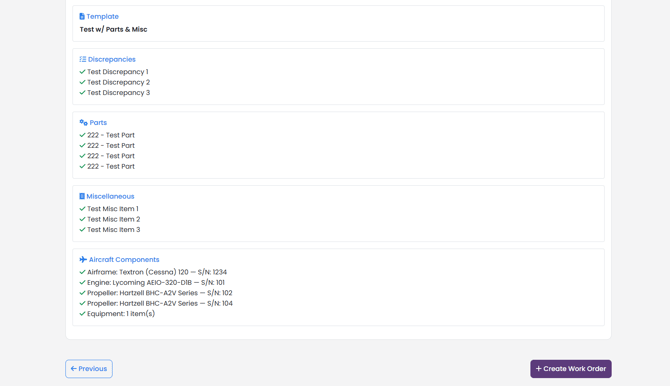
Review your selections, and then click + Create Work Order..