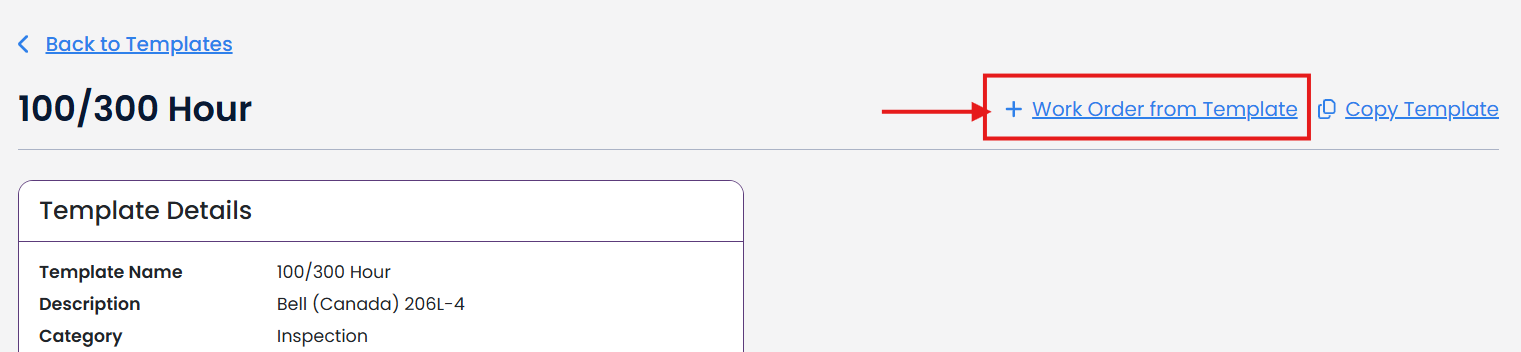
From the work order template:
Click + Work Order from Template.
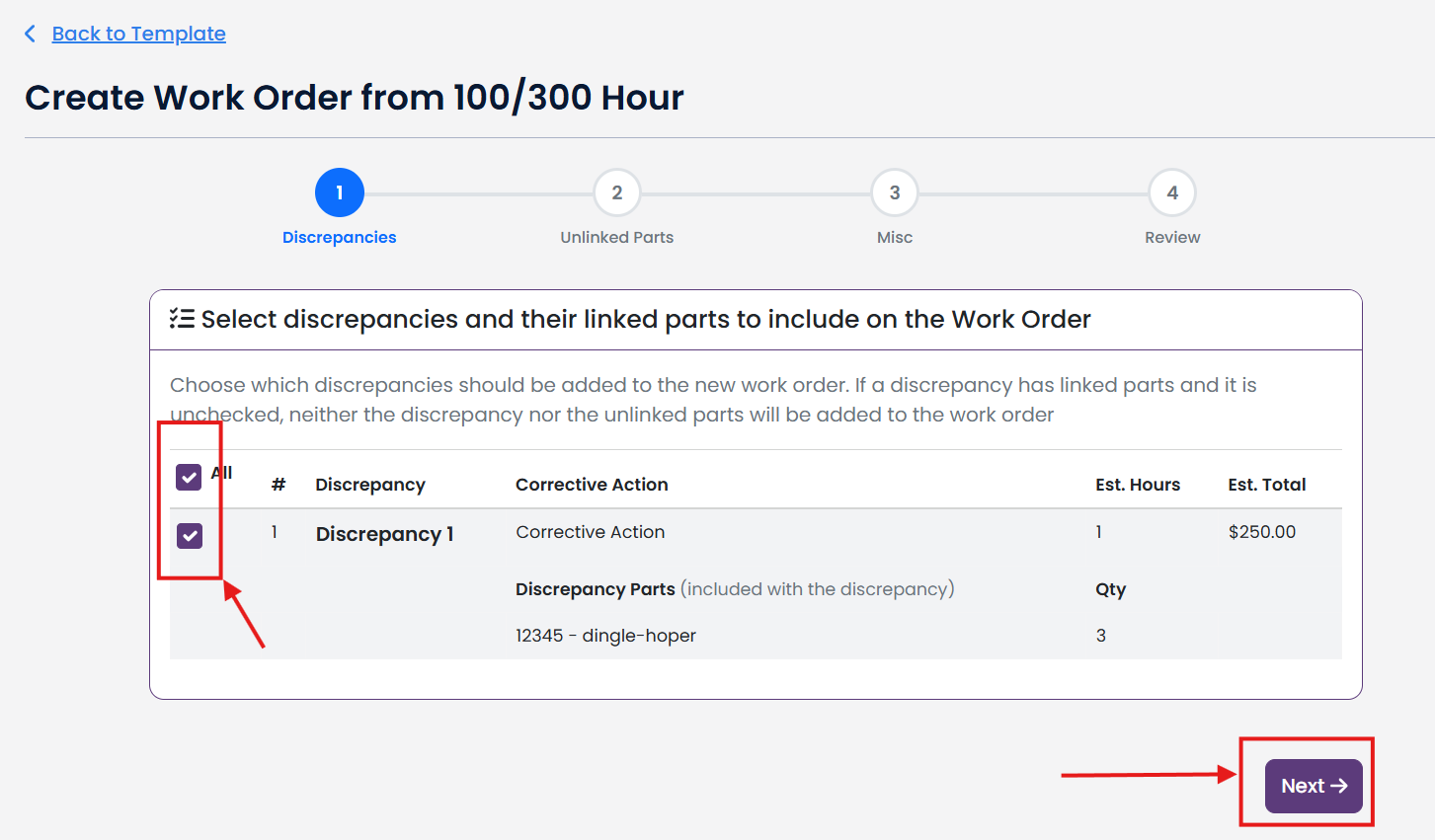
Select which Discrepancies you want to include and then click Next.
Note: If this is a public template, Est Hours, Est Total and Discrepancy Parts will not be available.
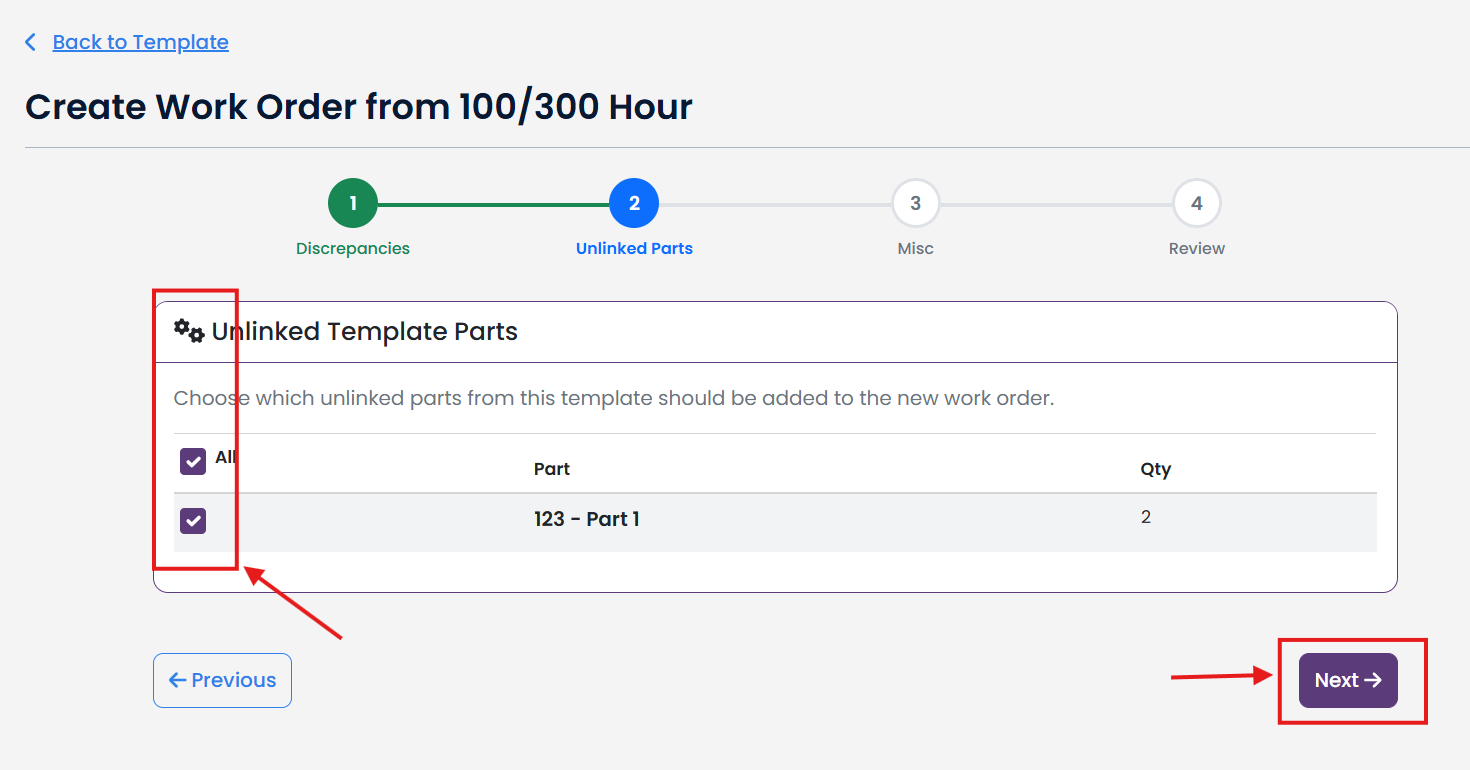
Select any Unlinked Parts from the Template that you want to include and then click Next.
Note: If this is a public template, Unlinked Parts will not be available.
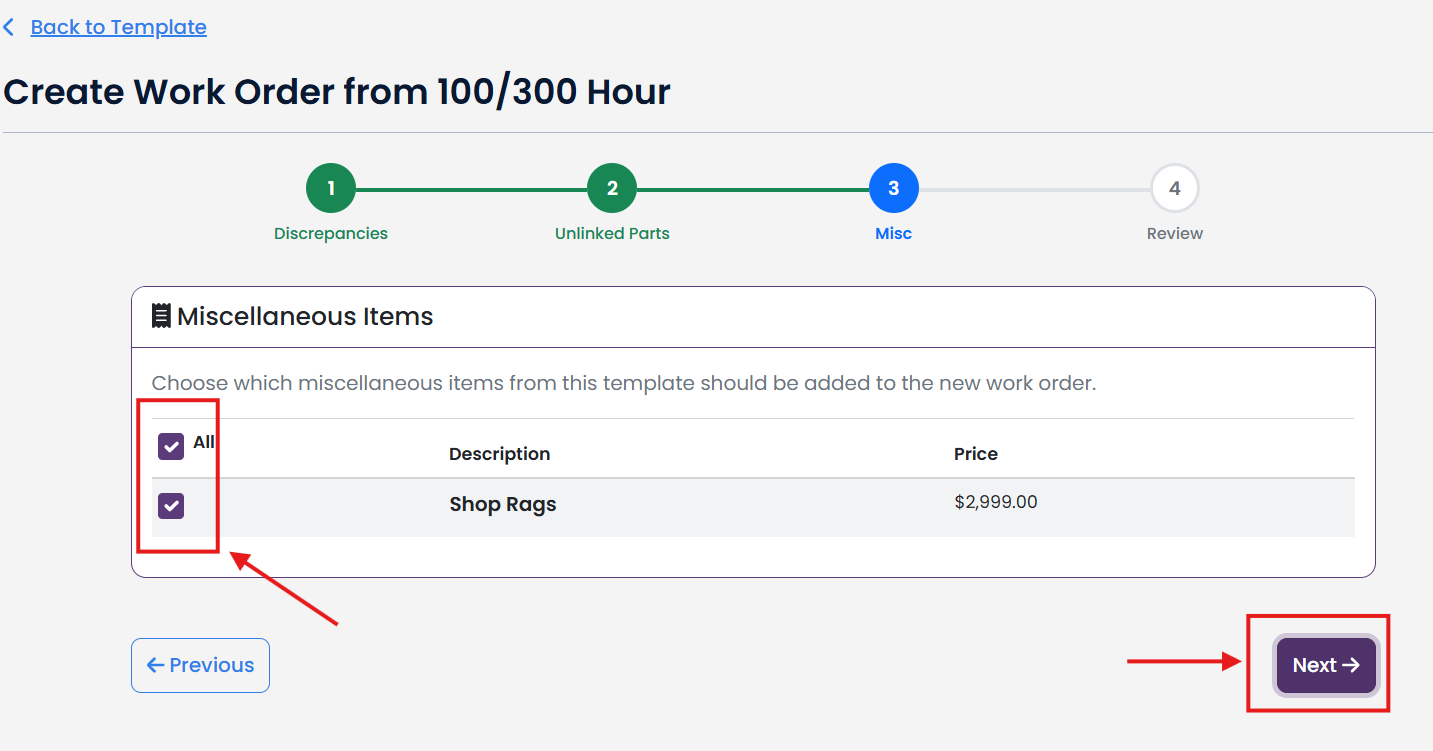
Select any Misc Items from the template that you want to include and then click Next.
Note: If this is a public template, Misc Items will not be available.
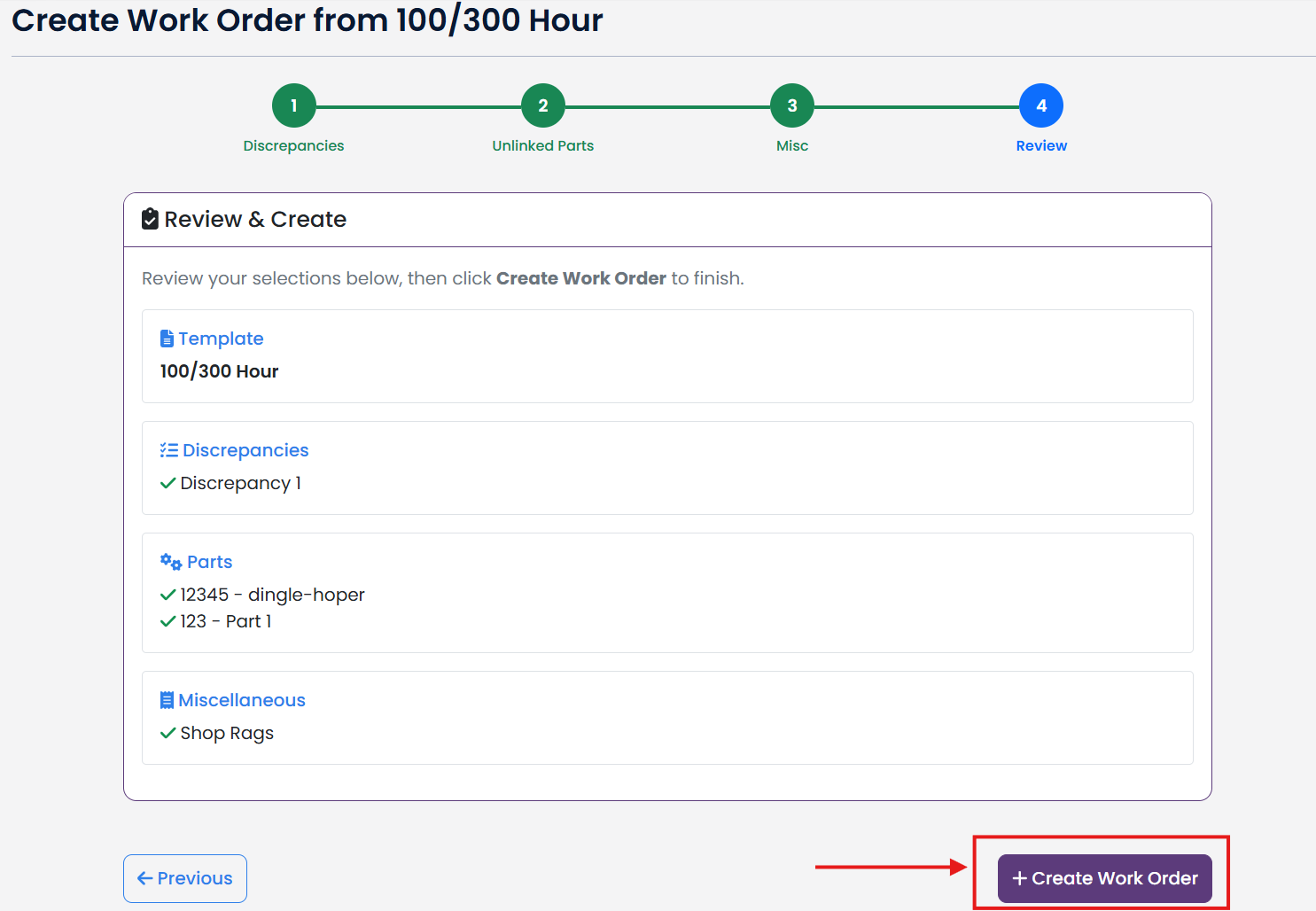
Review your selections, and then click + Create Work Order to complete the work order creation process.