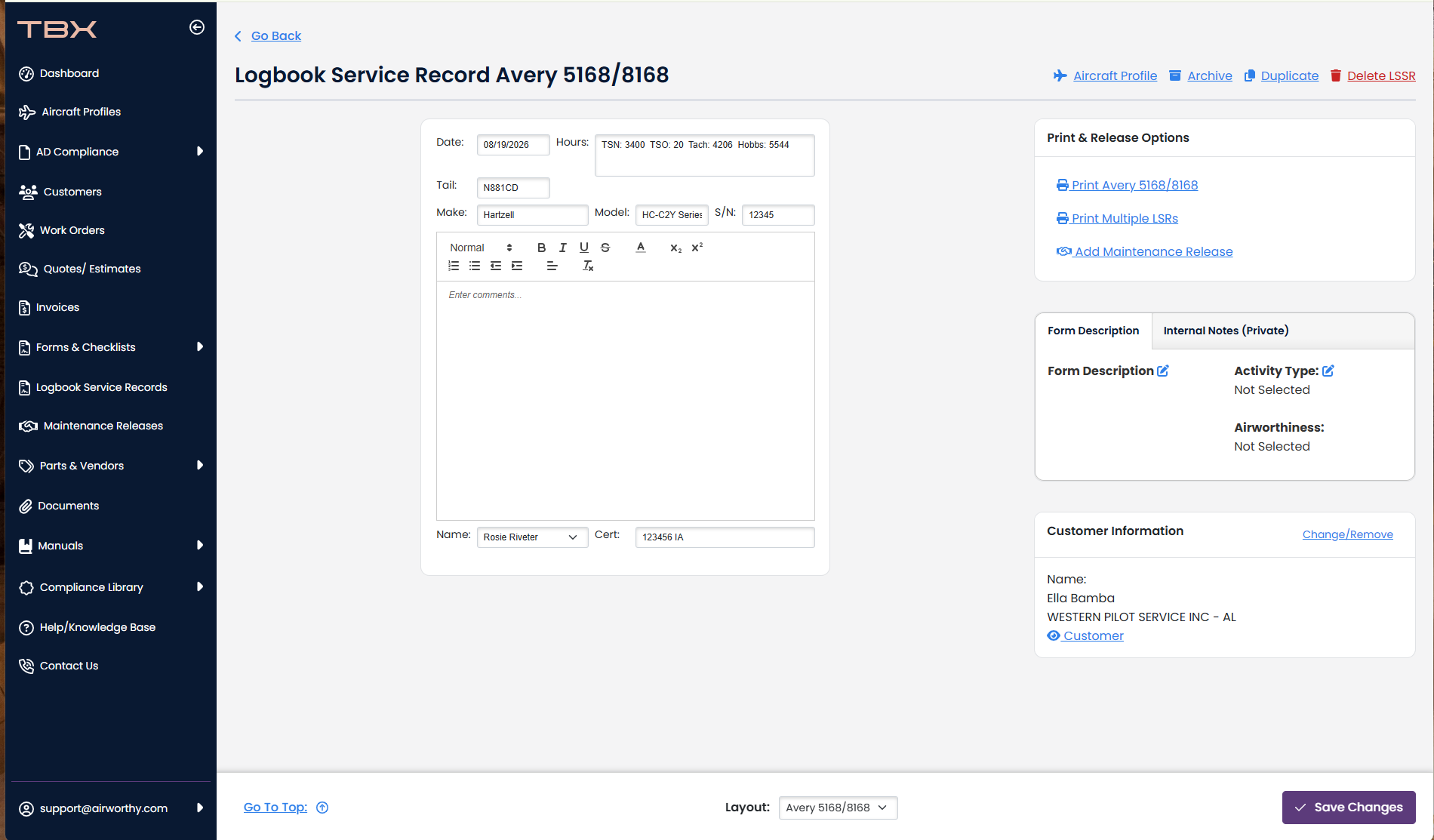
For Engines:
1. Open an Aircraft Profile page and click the Blue Engine make/model. 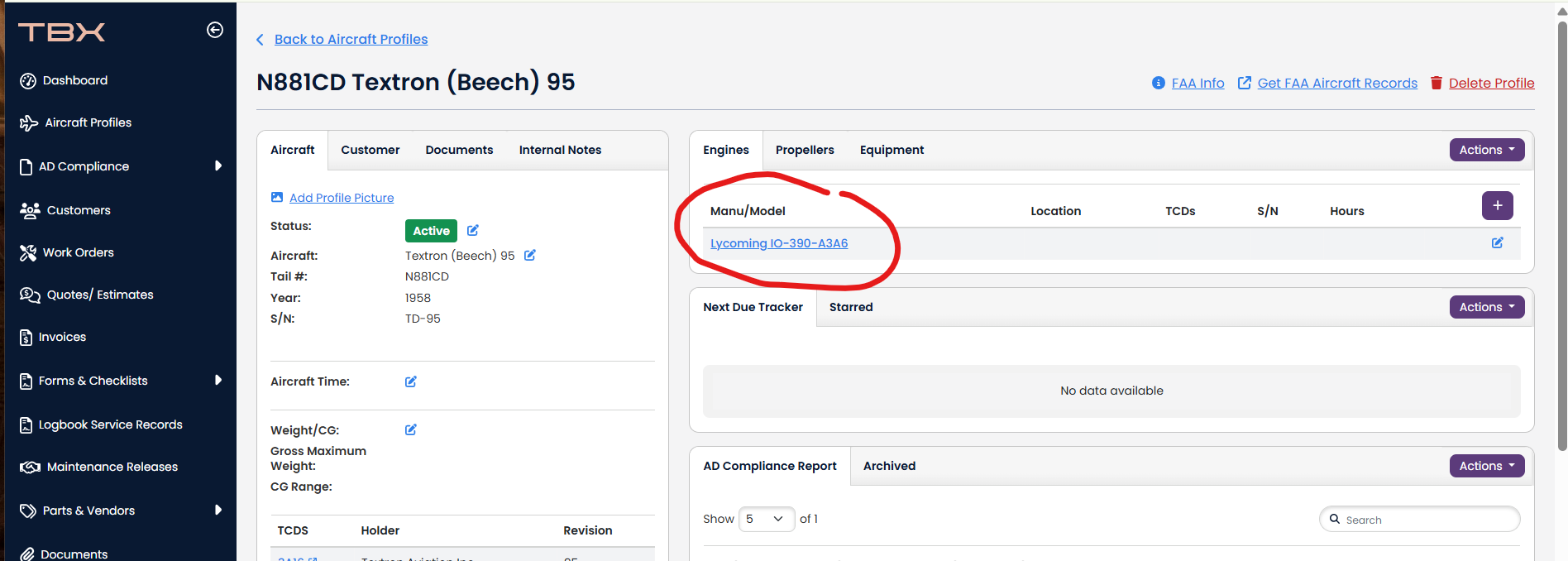
2. Click the "LSR" Button.
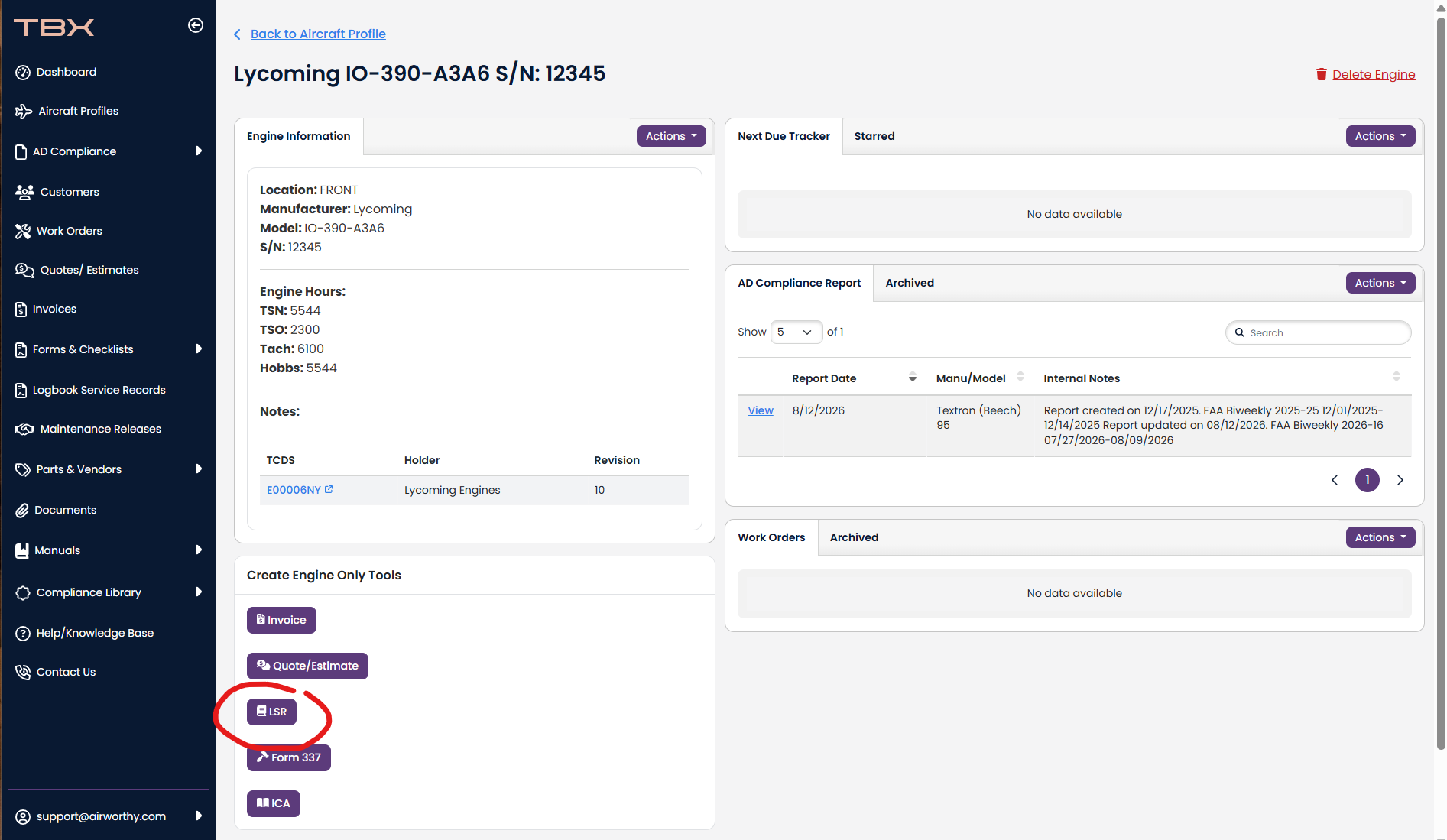
3. The logbook will automatically fill out the current hours on the engine. The current date, the tail number, the make, the model, the serial number, and the customer.
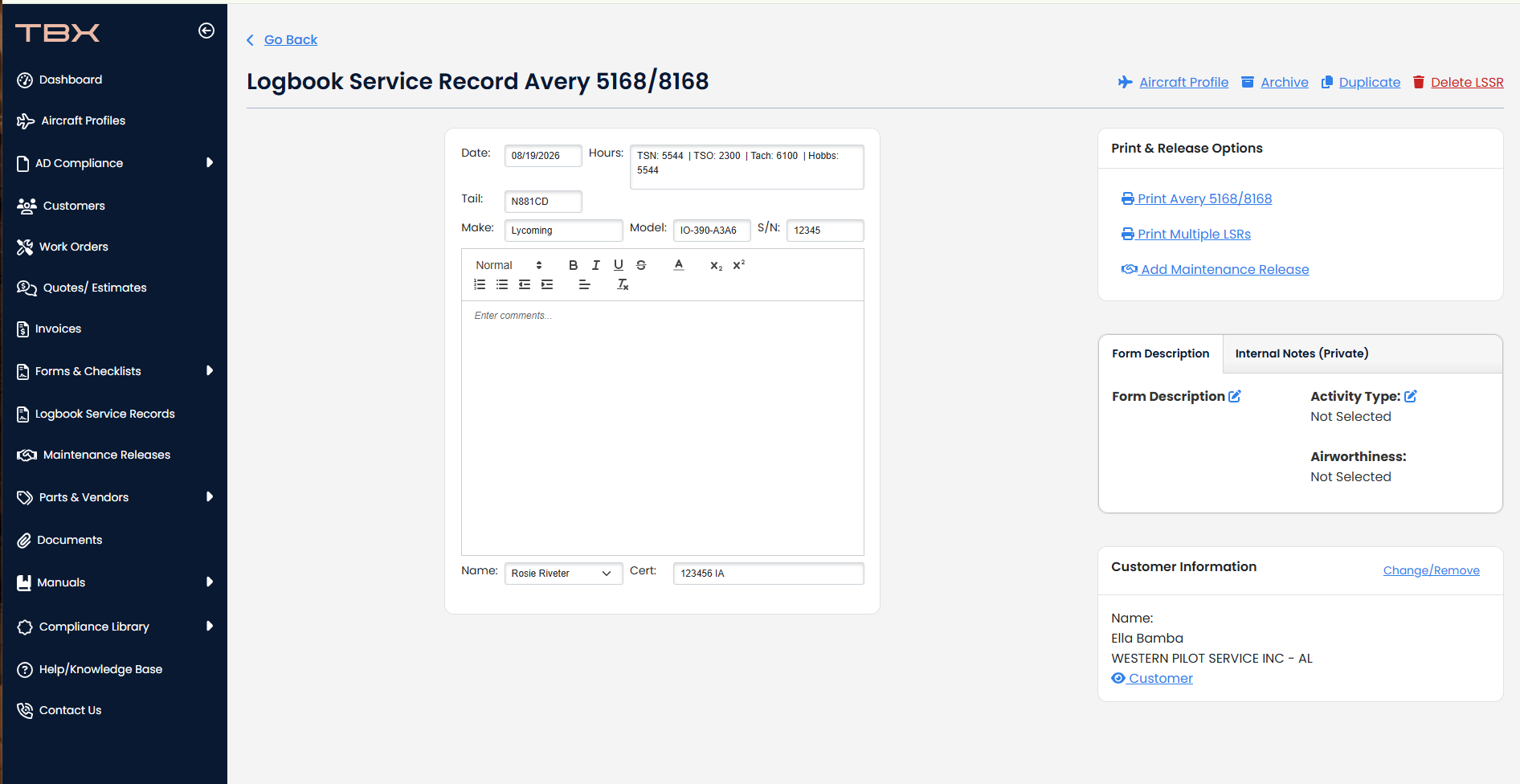
For Propellers
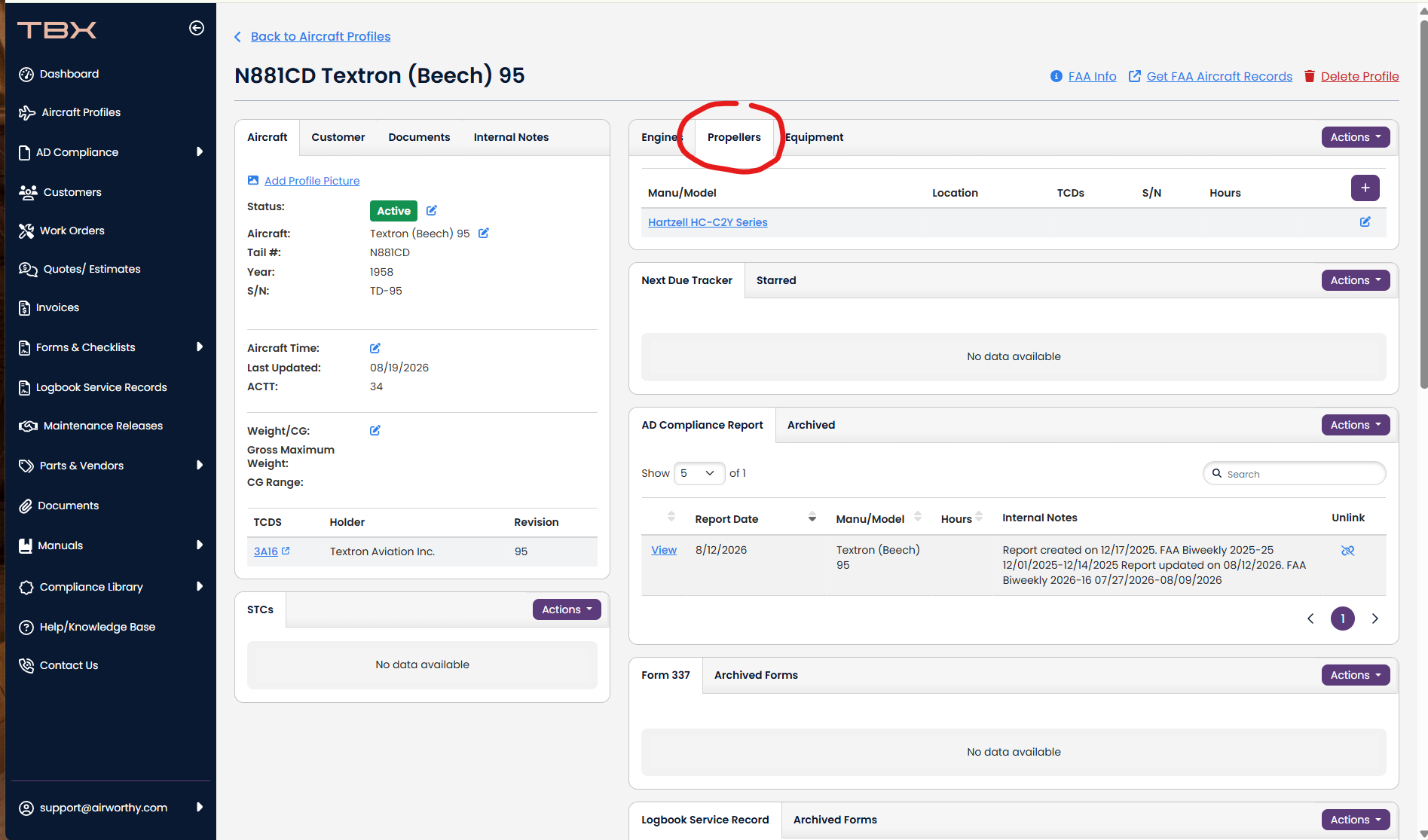
1. Open an Aircraft Profile page and click the Propeller tab
2. Click the Blue Propeller make/model. 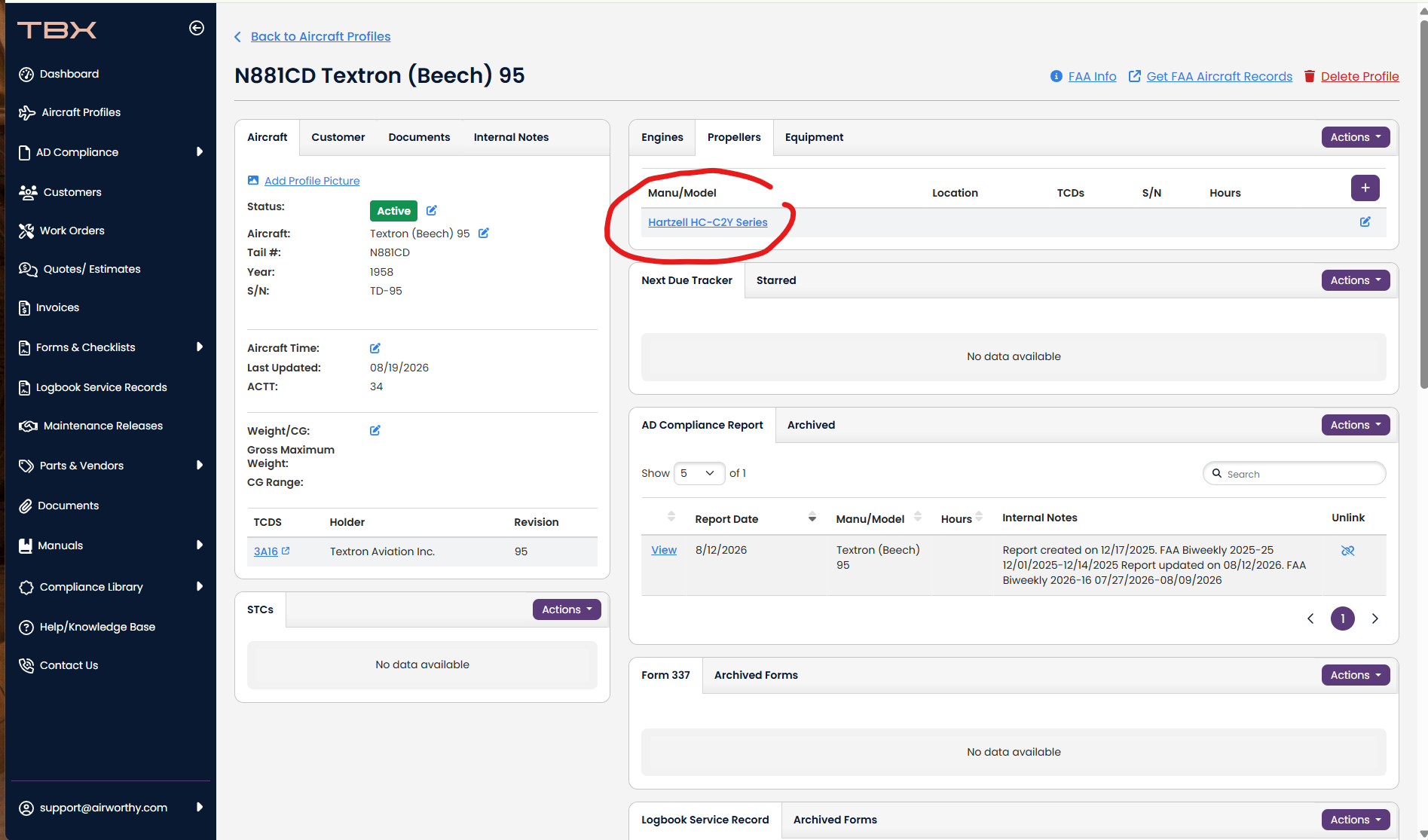
3. Click the "LSR" Button.
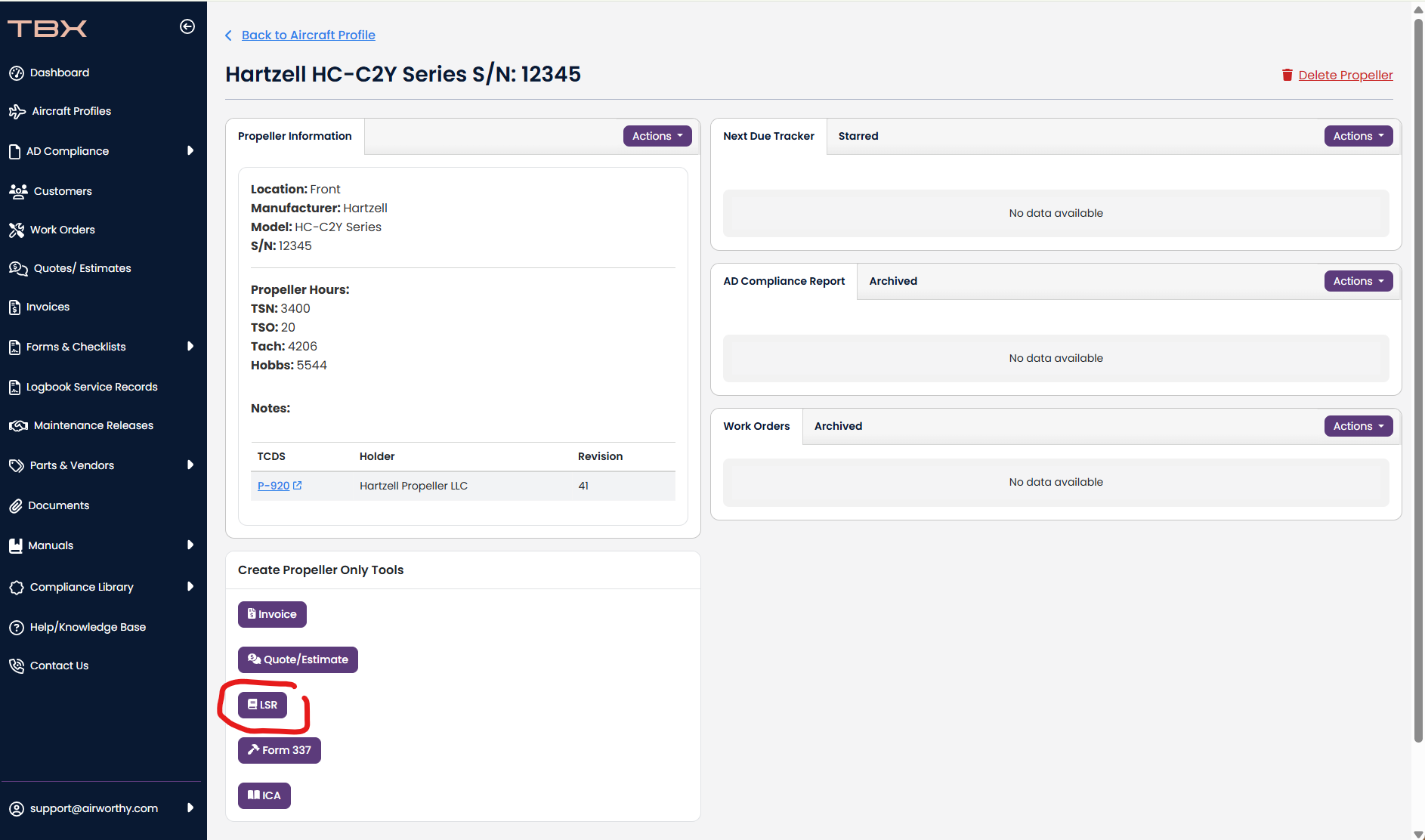
3. The logbook will automatically fill out the current hours on the propeller. The current date, the tail number, the make, the model, the serial number, and the customer.