
The Business Locator opt‑in is your chance to put your shop on the map - literally. When mechanics and operators choose to participate, their TBX profile becomes discoverable to aircraft owners actively looking for qualified maintenance professionals. It’s a simple visibility boost that helps you get found by the right customers at the right time.
Whether you’re a one‑hangar operation or a full‑service maintenance shop, opting in connects you to a growing network of TBX users who trust the platform and want to work with technicians who use modern, digital‑forward tools.
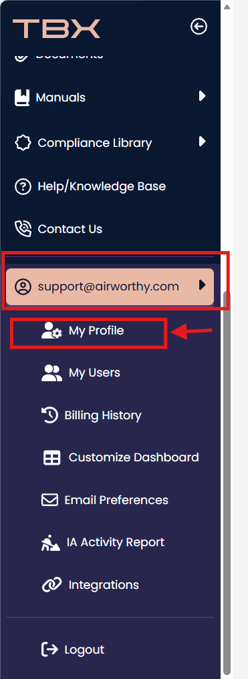
To opt-in, go to My Profile (or if you are an additional user with Company Info access, Company Profile).
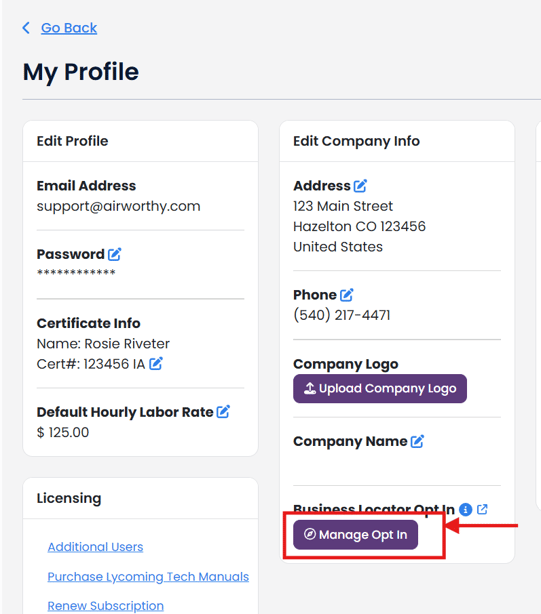
Click "Manage Opt In" under Business Locator Opt In.
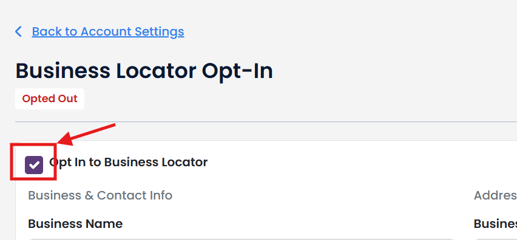
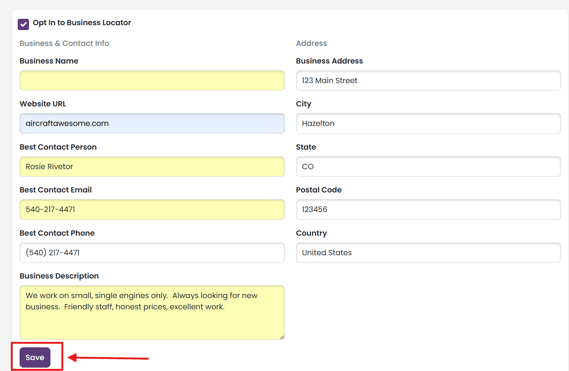
To Opt In, check the box for Opt In to Business Locator
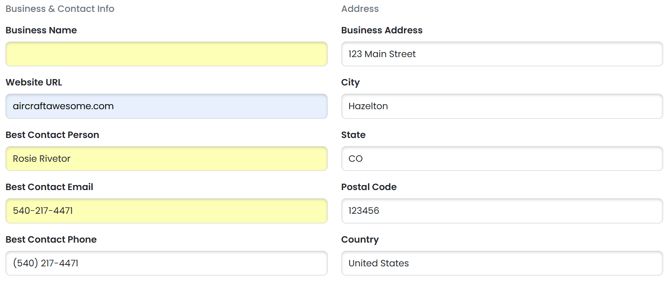
The fields are populated with your information from your TBX account.
Updating any information in these fields will not affect your TBX account.
This information is to help owners/operators know your business and know how to best contact you.
Help us connect you with the right customers by completing the Business Description field.
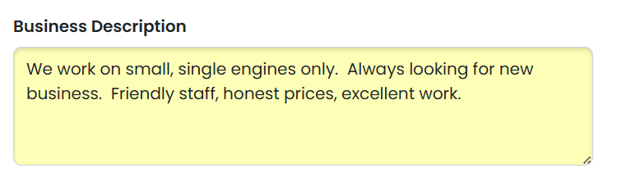
This is a small advertisement that owners/ operators will see.
Click "Save" to complete the opt-in.
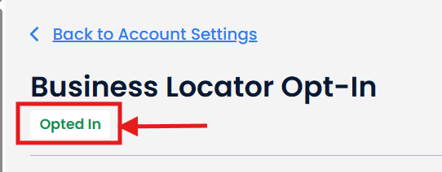
You are now opted in.
Opt Out of Business Locator
No longer want to be found, or perhaps you are going on vacation, simply uncheck the Opt In to Business Locator

Read the Confirm Removal statement.
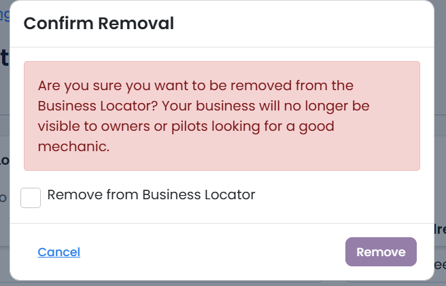
Check the "Remove from Business Locator" and click "Remove" button.
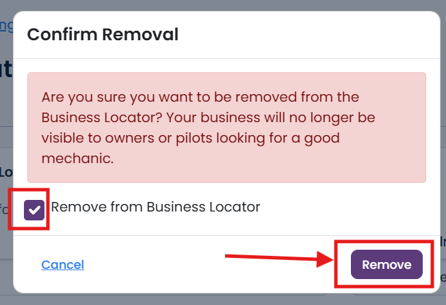
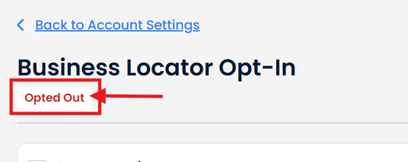
You will be removed from the Business Locator and owner's will no longer be able to see you.
Are you a mobile mechanic?
Update your address to the location you are currently at and owner/operators will be able to find you while you travel.