
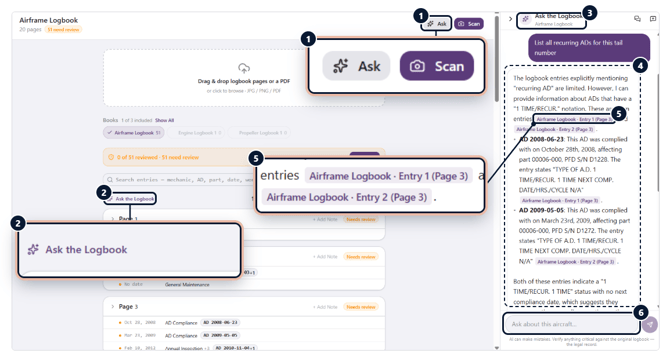
- Ask, from any logbook: The Ask button sits next to Scan at the top of every logbook.
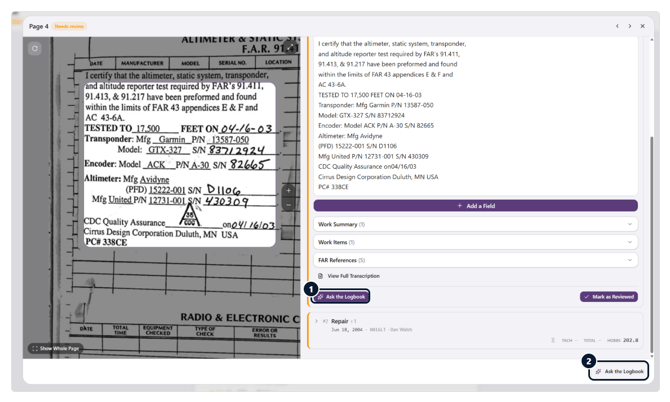
- Or above the entries: Ask the Logbook also appears above the entry list, beside Reorder and Select.
- Knows which book: Opened from a logbook, the panel shows that logbook’s name, here the Airframe Logbook.
- Research across entries: Ask for a list, like “all recurring ADs,” and get each AD with its compliance information. You can add several logbook Pages to Ask the Log and it will search across your selection.
- Cited to the entry: Each finding names the logbook, entry and page it came from.
- Ask a follow-up: Keep asking in the box below.