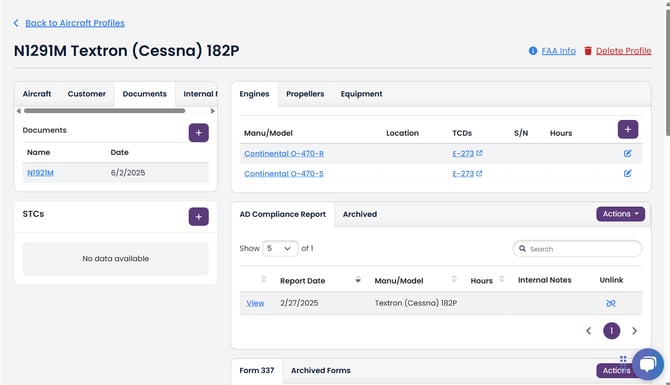
Any relevant documentation can be attached to an aircraft profile (e.g. 337s, STCs, ICAs, Pre-buy reports) through the "Documents" tab, which is in the upper left area of the Aircraft Profile:
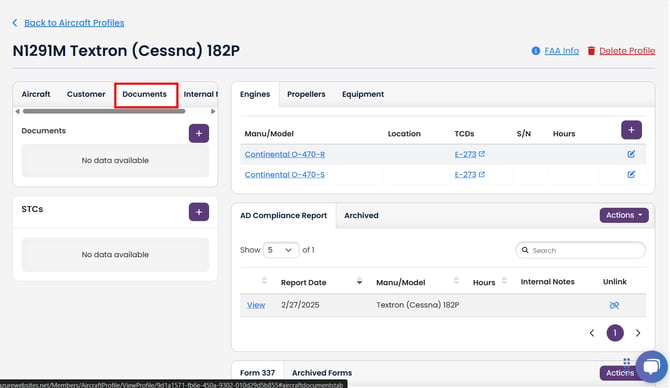
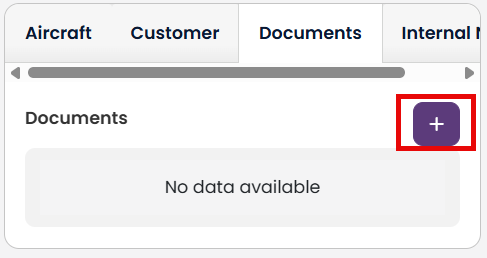
Click on the tab, and then the "plus button" to select the document to add:
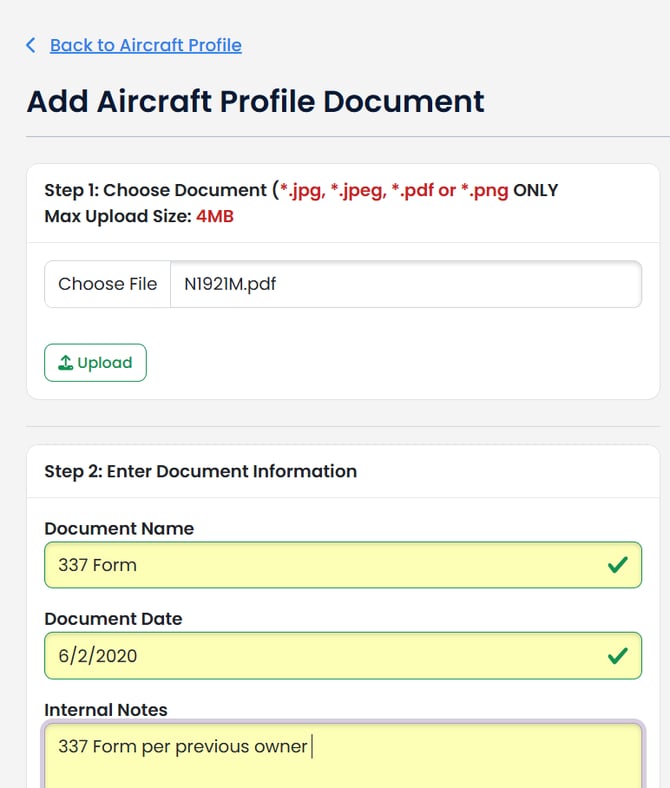
This will pull up the document loader where you can select the document you want to upload and add any pertinent information on that document. Remember to hit the Upload Button after selecting the file!
Your document is now attached to that aircraft profile: