
*Additional users are employees of the same organization at the same location.
To add user licenses to your account, click your email at the bottom of the left-hand navigation menu and then select My Profile -> Licensing.
Extra users are pro-rated based on the length of time remaining in your subscription.
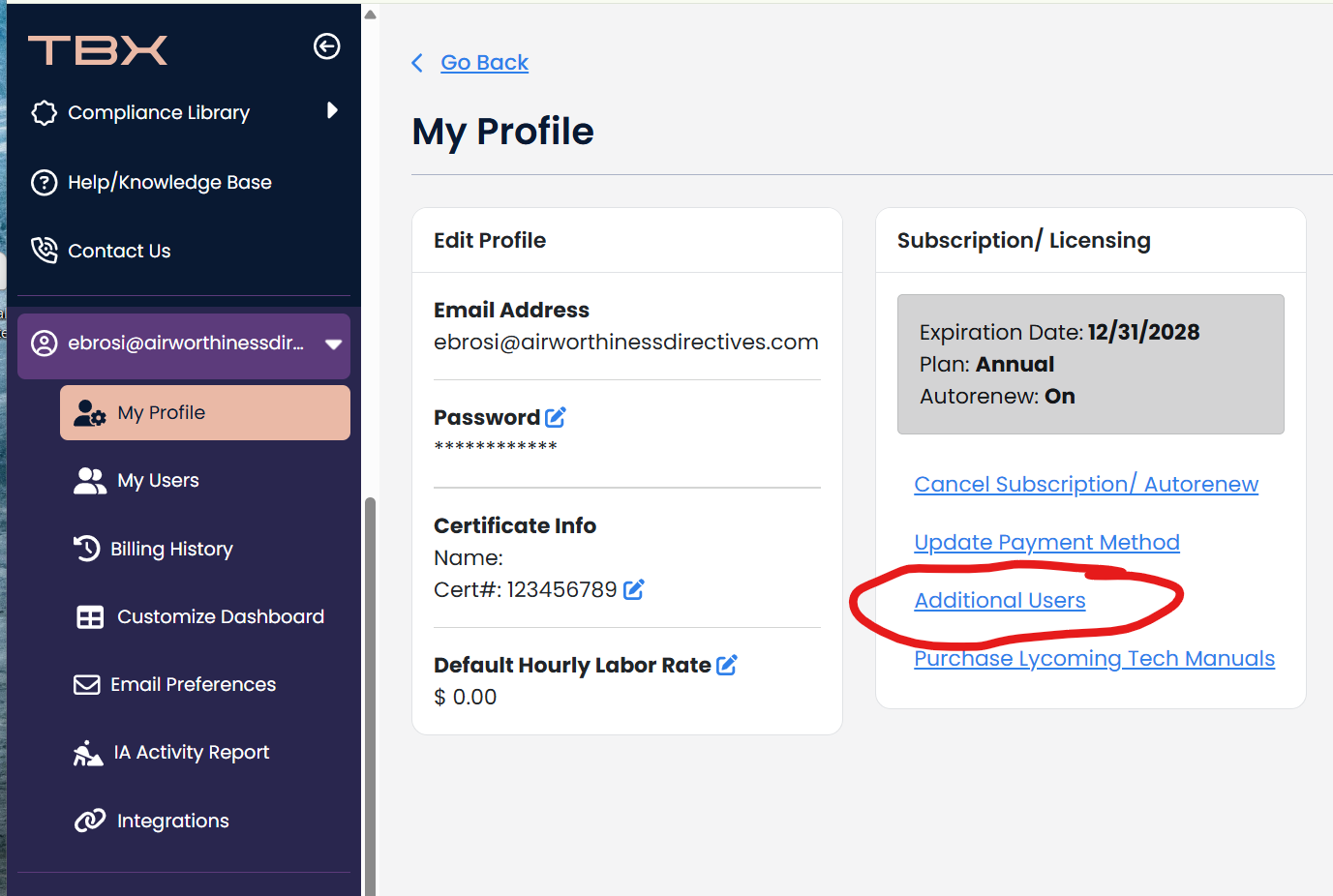
After your purchase is successful, click here for instructions on how to set up the additional user in your account.