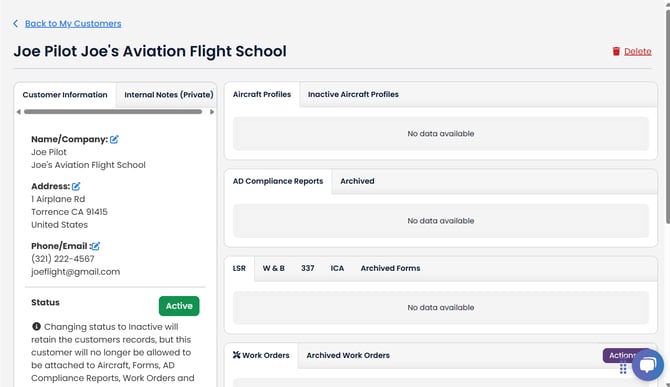
When you create a new aircraft profile, TBX can automatically pull in the registered owner information from the FAA registry. This is the most common way customers are added to your system.
You can also create customer records manually at any time. This is helpful if you need to add a customer who isn’t tied to an aircraft yet, or if you want to create a new customer “on the fly” while working in TBX.
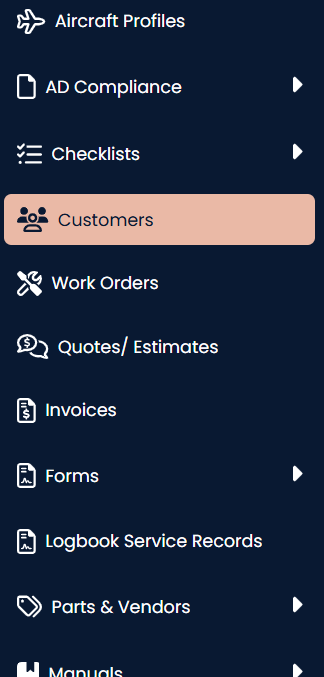
To view and create a customer, select the Customers section of the lefthand navigation menu.
Next, click the "+ New Customer" button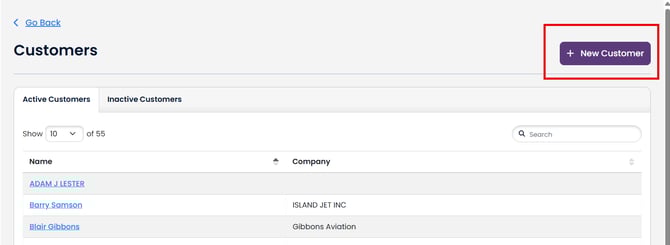
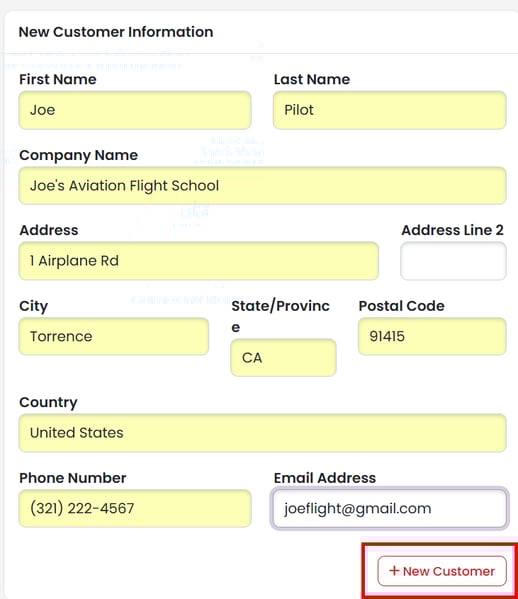
Enter the customer information and click the "+ New Customer" button to save.
This will take you to the customers dashboard where you can see all their aircraft profiles, AD Compliance Reports, Logbook Records (LSRs), Work Orders, Invoices, and Quotes.